The No-Media-Team Software Shortlist for L&D Teams Building Video Training Libraries
Build video training libraries without a media team using document-to-video workflows.
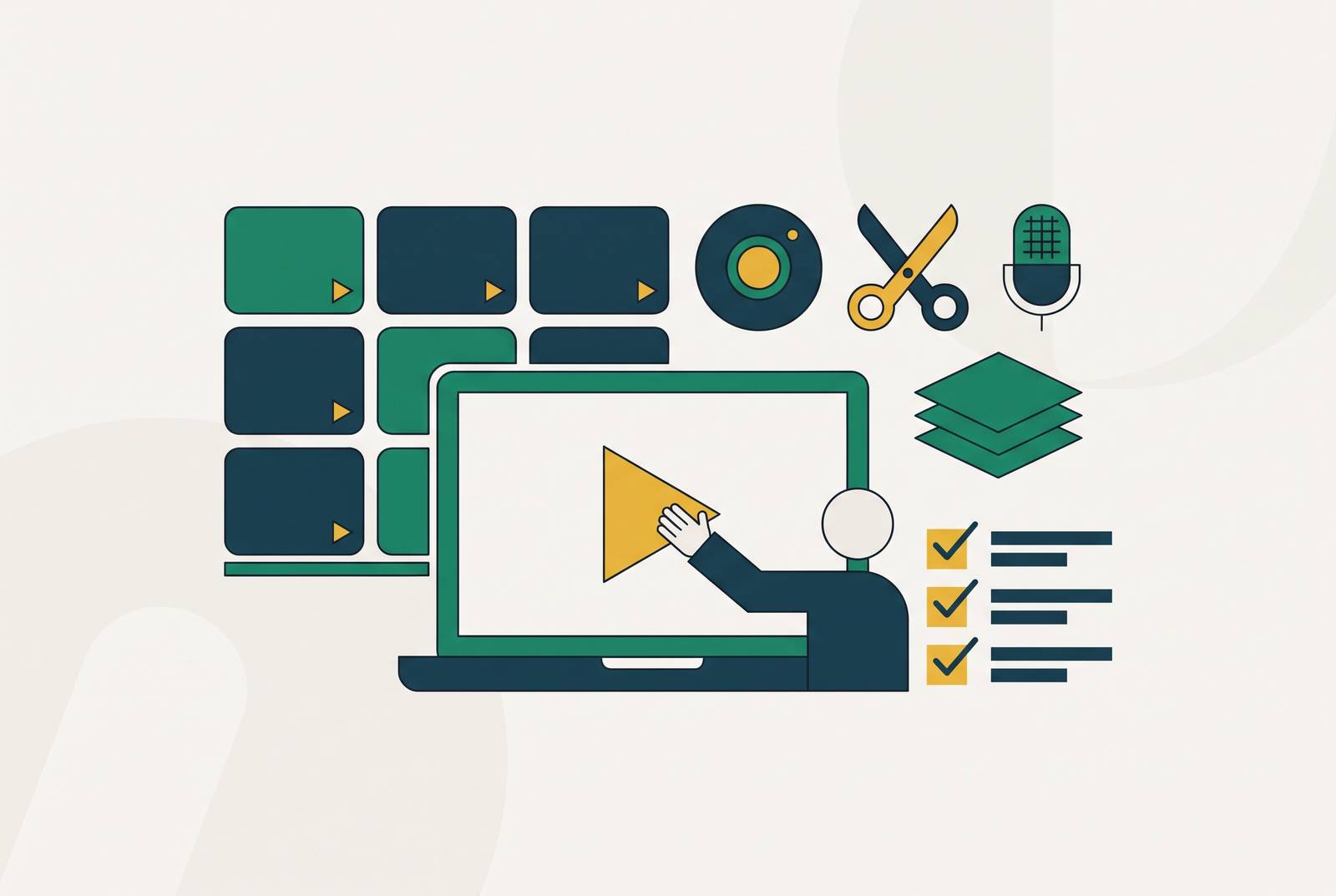
Customer success and L&D teams can create software training videos without a media team by using workflows that turn existing documents and real screen recordings into editable, reviewed modules. The right software supports fast generation, updates, shared standards, and localization. This shortlist puts the whole production workflow ahead of the flashiest AI demo.
Why L&D teams without a media team get stuck in the wrong conversation about tools
A compliance update is waiting, onboarding starts Monday, and product wants a new walkthrough. The queue is already behind the software. Pictory’s 2026 guide says traditional eLearning videos take four to eight weeks to make from kickoff to delivery, and policies may change before learners see the video. That model suits a flagship production better than a library of frequently revised lessons. That model leaves a backlog and outdated modules live, and pulls subject-matter experts into repeated recording sessions.
More AI features do not automatically fix that. Visla’s ATD26 buying guide argues that the best tool is the one a team can use after the conference. For a resource-constrained team, the useful test is whether software handles ordinary work, including a screen walkthrough, a policy correction, and a multilingual update.
What a working video training library actually requires from a tool
The practical checklist starts with five vendor questions. Can the tool use existing PDFs, slide decks, SOPs, help docs, recordings, and expert notes? Can it record the actual software process? Does it let the team review a draft before it is published? Can a team replace one section without rebuilding the video, and can several people work within shared templates and approval paths?
Those questions test different points of failure. Source-material support avoids blank-prompt work, while screen capture preserves the process learners must follow. Draft review gives experts a chance to catch wrong steps, mismatched visuals, and unsuitable tone before polished content reaches learners. Section-level editing makes revisions manageable, while shared brand kits and review paths keep independently produced modules coordinated. For libraries that also serve a help center, another useful question is whether one workflow produces both video and supporting documentation.
How the document-to-video workflow changes what L&D teams can actually ship
Consider a team with a 40-slide onboarding deck sitting unused in a shared drive. In a recording-first workflow, that deck is reference material for a new production job. Document-to-video makes it the starting draft instead. Leadde’s October 2026 production guide describes AI-assisted conversion of existing PPTs, PDFs, SOPs, and training materials into narrated modules. The team’s work shifts from building every element from scratch to selecting, correcting, and shaping the lesson.
That shift also changes what one production pass can deliver. Where a workflow supports both outputs, one screen recording can become a narrated module and a step-by-step help article. Later, the team can use an updated source document to regenerate the scenes that changed without recording the whole video again. The source becomes an anchor for revision. This is what makes document-to-video useful beyond the first batch of onboarding content.
Automation still needs an instructional editor. The same guide names “AI slop” as a cause of learner fatigue and argues for personalized content that preserves the instructional designer’s voice. A reviewable outline, transcript, or scene plan gives subject-matter experts a place to correct the lesson before final generation.
The training video formats that actually suit a library-building workflow
Microlearning modules suit single concepts, compliance reminders, feature updates, and short process walkthroughs. Pictory’s guide identifies two-to-five-minute modules as a useful corporate training format. Their value is access at the moment of need, so fast revision is more useful than cinematic polish. Onboarding explainers need to take learners through roles, tools, and processes in a clear order. Because those details change, the tool must allow a section to be replaced independently.
Software tutorials need real screen activity. Visla’s buying guide maps that need to screen recording, click highlights, zooming, and annotations. Slide-to-video conversions turn instructor-led decks into material that remote and asynchronous learners can work through at their own pace. SOP and process-update videos need step-by-step structure, version control, and scene-level revision because they are likely to change repeatedly. Across these formats, short modules on one task or concept are easier to keep up to date than long videos that cover several unrelated jobs.
What to look for in the AI video tool layer: generation, screen recording, and editing control
The evaluation rubric begins with control over the draft. Generation should accept real source materials without forcing the team to compress institutional detail into a prompt. For software lessons, screen recording should include annotations, captions, click highlights, zoom, and editing afterward. The video must show the actual process correctly. Learners need to see the menu or action they must recognize even when a generated scene looks good.
Editing control is the next dividing line. Transcript-based editing lets a non-specialist cut or rearrange content by editing text, and scene-level revision means less work when one step changes. Shared brand kits should apply logos, fonts, colors, and style presets without a fresh design review for every module. Narration, synced captions, and multilingual versions should belong to the same production flow. These capabilities determine how much work returns after publication.
Governance belongs in the evaluation before rollout. Visla’s ATD26 preview identifies reviewer roles, error detection, expert updates, brand standards, permissions, and approval steps as central enterprise concerns. Shared workspaces, clear feedback paths, and version history support those controls. For compliance, safety, and policy training, a fast generation step is not enough if the team cannot establish who reviewed the content.
The shortlist: six tools that cover the real workflow surface area for L&D library building
Pictory, Leadde, and Visla are the named options supported by the supplied material. Of the six tools promised in this section, the supplied material supports three named comparisons. Each addresses a different dominant workflow, so the comparison below uses the same lens of best fit, source-to-video process, library-building strengths, and a distinguishing capability. It does not rank them as interchangeable winners.
Pictory best fits teams starting with scripts, slide decks, or recorded webinars. Pictory’s enterprise guide describes text-to-video that breaks scripts into scenes, matches stock visuals, and generates captions and voiceover. Its PPT-to-video workflow uses speaker notes as narration, while recording repurposing transcribes webinars, removes filler, and builds edited video from the transcript. Brand kits, captioning, and multilingual voiceover support coordinated library production. The distinguishing route is PPT-to-video, which the guide calls the fastest path from existing instructor-led materials to self-paced modules.
Leadde best fits teams that start with documents and want learners to interact with the lesson as well as watch it. Leadde’s October 2026 guide describes document-to-video conversion using AI avatars, layered animated slides, and multilingual voiceovers. Its all-in-one approach aims to reduce the handoffs between scripting, voice generation, visuals, and assembly. That supports a library workflow focused on curation and volume. Its distinguishing capability is “Chat with Video,” which extends the lesson into an interactive learning experience.
Visla best fits teams that need experts to review videos and several stakeholders to approve them as they are made. Visla’s ATD26 materials describe policy-document conversion, screen recording, collaborative review before publishing, and scene-level editing after generation. When teams build a library, its strengths are the tools for review, brand standards, and permissions, along with ways for subject-matter experts to make updates. Governance is the distinguishing emphasis in this comparison. The buying guide frames useful AI as support for creation, review, editing, sharing, and updating.
Where multi-tool workflows quietly kill the library before it scales
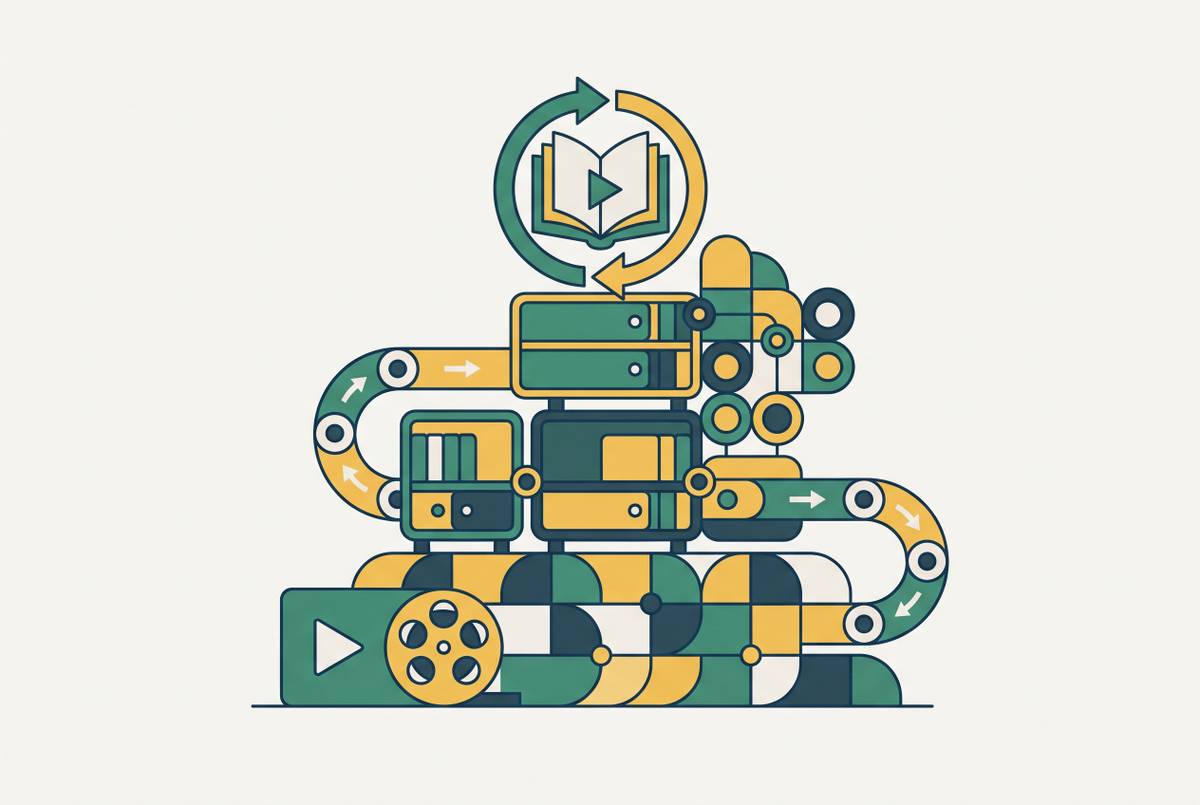
A capable tool can still sit inside an unworkable process. Leadde’s guide describes a fragmented stack with scripting in one app, voice in another, visuals in a third, assembly in a fourth, and export for LMS delivery afterward. Each handoff means more work the next time the module changes. A changed policy can send the module back through the chain, making it easier to postpone the update than complete it.
Collaboration can fragment even when generation works well. Visla’s preview describes how content gets stuck in email threads and outdated folders, with version-control problems when teams have no shared spaces or clear way to review it. If contributors also lack common templates and an approval path, independent production yields inconsistent one-offs.
Scaling the library across languages without treating non-English teams as an afterthought
Localization can recreate the original production bottleneck. When each language has its own scripts, voiceover sessions, and project files, the team has to keep each set up to date. Pictory’s enterprise guide describes a more integrated approach, with synced source-language captions followed by multilingual voiceover versions. The broader workflow requirement is to derive language versions from the same source. Otherwise, each revision multiplies the work the team was trying to remove.
Translation alone does not finish software training. A learner may hear instructions in one language while seeing menus, labels, and error messages in another. That mismatch becomes most costly when the learner tries to follow the procedure in the actual product. Visual localization therefore needs space alongside audio-quality checks in both the tool evaluation and the review process. The screen must support the translated instruction.
Begin with the languages covering the largest learner populations, establish production and review quality there, and add further languages one cycle at a time.
Keeping the library current when the software keeps changing
A software release can make an accurate lesson misleading. It matters whether the team makes each step or concept a scene of its own. With that structure, a changed interface requires revision of only the affected segment. Screen-recording workflows can make those replacements a matter of minutes, while updated narration can be generated from the revised script.
Visla’s preview asks whether subject-matter experts can make updates easily and whether teams have control over access, permissions, brand standards, and approvals. A tool that remains dependent on a specialist leaves the maintenance queue centralized even if it automates production. The practical recommendation is to assign ownership when each module is created, with the expert or team closest to the process responsible for triggering updates.
How to evaluate the ROI of a video training library without stopping at completion rates
Completion rates show that learners finished a video. They do not establish that the lesson improved performance, and assessment scores remain a proxy for workplace learning. Better ways to measure results include how many support tickets come in for the topics covered, onboarding time-to-productivity, how often people make errors in the process, and software adoption after feature releases. The prerequisite is a baseline captured before deployment. Without it, the team has no starting point against which to judge improvement.
Time from source material to publication, modules updated per week, and languages served without separate localization projects show whether the workflow is scaling. These measures answer a different question from learning outcomes, so a fast production cycle should not be treated as evidence that the instruction worked. Visla’s preview frames the broader test as whether content helps people do their jobs better.
A performance-support library also needs evidence of use. Access from help articles, support responses, and in-product empty states can reveal whether learners reach a module when they need it beyond onboarding. Tracking those signals from the start helps teams choose which modules to update first and which formats to put more time and money into. Combined with outcome and production measures, they also show which tools are earning their place in the workflow.