Sprint-Paced UI Changes and the Case for AI-Driven Video Updates Over Scheduled Reshoots
AI-driven workflows let teams fix outdated training videos in days instead of months.
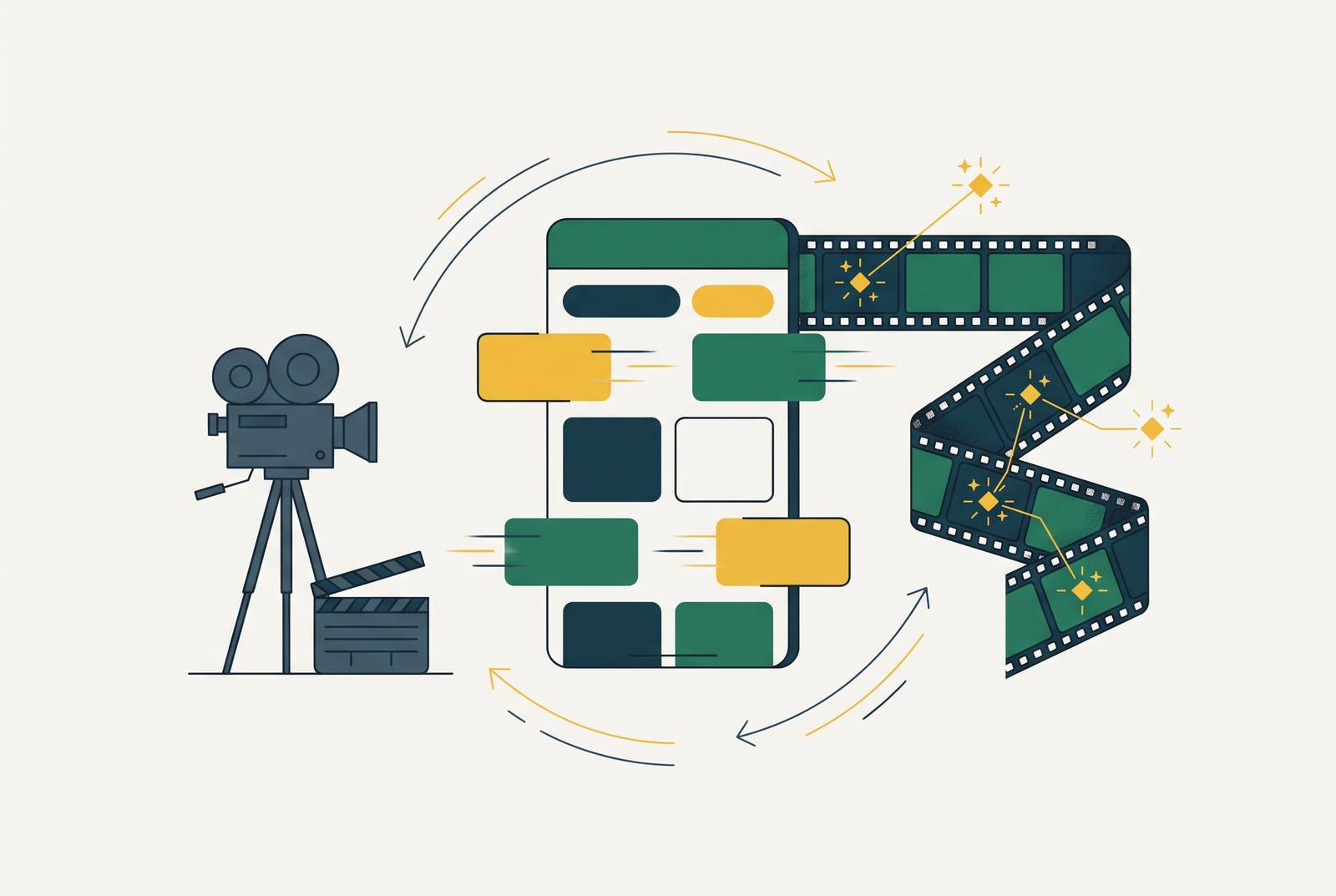
To keep software training videos current as releases come fast, teams need to update clips without waiting for scheduled reshoots. AI-driven workflows let teams revise the affected script, screen capture, voiceover, and captions without re-recording the whole walkthrough. Combined with short, single-task clips and clear ownership, this makes video maintenance fast enough to close a months-long lag and follow two-week sprints.
Why sprint cycles make scheduled video reshoots structurally unworkable
A team finishes a polished demo, and two sprints later the navigation changes. The recording is clean, the narration is clear, and the instructions are now wrong. Nothing went wrong with the original production. The product simply moved on before the next video production window arrived, leaving users with a walkthrough of an interface they no longer have.
That is a scheduling mismatch built into the workflow. Software commonly ships on two-week sprints, with cycles ranging from one to four weeks, while video production runs on schedules measured in months. A demo recorded in January can show old navigation by March. A feature renamed in February can make the April walkthrough misleading, and a design system refresh can make earlier recordings look like a different product.
Each change forces the same uncomfortable choice. The team either spends significant time re-recording or leaves the stale clip live until a later production window. Resource-constrained teams often choose the delay, so a library decays piece by piece.
How traditional production costs turn the maintenance burden into a compounding liability
The original production budget pays for a library at one point in time. It does not pay for every revision the product will need afterward. An agency charges a meaningful amount to update a single video, while an in-house reshoot consumes hours of skilled labor per clip. Over a year, maintaining a mid-sized library can cost more than building it did.
That expense is hard to see at launch. Professional production already requires a substantial investment, so the budget naturally centers on getting the first set of videos finished. Yet every sprint can add more videos to update, without more money or time to do the work. Content the team thought it had already paid for carries a growing liability.
Video usually becomes more economical as more learners use it. Frequent UI changes can erode that advantage during the very growth periods when the audience expands. Multilingual delivery compounds the problem because each revision must pass through additional production and dubbing work. With a traditional workflow, that can take weeks and cost a lot, leaving global users last in line for up-to-date instructions.
What "stale" actually costs users and the teams responsible for them
For a learner waiting on a localized update, the delay becomes a problem inside the product. The video points to a menu that has moved or names a feature that no longer appears under that label. The user has to work out how to follow two sets of instructions that disagree.
A good onboarding video walks someone through a real task with a clear goal. Matching the current screen is part of that job. When the match breaks, the video stops shortening the path to useful work and weakens the trust the user is trying to build. Even a polished recording cannot make up for wrong directions.
The cost also appears in what users do next. A learner who abandons an unrecognizable walkthrough gets no value from the production spend behind it, while the team loses the onboarding benefit it expected. If that learner needs help to complete the task, support absorbs work the video was meant to prevent. Support tickets about topics the videos cover are a strong sign that users are not getting the help they need from the content.
How can teams update product walkthrough videos without re-recording the whole thing?
The team edits the affected script text, updates the relevant screen capture where needed, regenerates the section, and exports the clip. The rest of the walkthrough need not be re-recorded. A change that previously consumed hours of production work can take a fraction of that time, with no additional production charge beyond the existing subscription.
The speed comes from automating the slow manual steps. Script cleanup, voiceover regeneration, smart zoom on changed UI elements, and caption resync combine separate editing jobs into stages of one workflow. That distinction is important when the revision is small. A renamed menu should not trigger the same production effort as a new tutorial.
The person making the correction can work in one interface instead of moving assets through separate script, audio, and video applications. This makes a sprint-sized response possible without video production expertise. If a UI change ships on Friday, the corrected clip can be live before the following Monday, eliminating the weeks-long wait for a production slot.
Why screen-recording-based AI platforms close the gap faster than general-purpose video editors
General-purpose AI video editors can speed up production, but their input can be almost any kind of footage. When a button moves, the screen capture, spoken directions, zoom path, and captions may all need to change together. Editing faster alone does not keep all those parts in step.
Screen-recording-based platforms are built around that specific input. The relevant workflow starts with a recorded or uploaded screen capture, then lets AI rewrite the affected script segment and regenerate narration in the same voice and language. Smart zoom follows the new UI element, and captions sync with the revised voiceover.
A UI change can invalidate both a help article and its companion video, creating two maintenance jobs if they are produced separately. A platform that generates both from one recording removes that duplication. Branded templates also keep the clip’s visual frame in place, while blur tools hide sensitive screens without another round of editing. These features reduce the work of making the correction and the work surrounding it.
How modular content architecture makes AI updates even faster to execute
Even a fast editing workflow inherits the shape of the content it edits. A long tutorial ties many features to one video, so a change in one area still means revising that larger asset. Only the clip covering the changed feature needs an update, while unrelated instructions remain untouched.
That boundary is a production decision. A team chooses whether to organize its library by user type and task or record one long tour of the whole product. Short, focused clips also perform better on completion than long tutorials, which connects maintainability with the learner’s ability to finish the instruction. The same smaller unit serves both purposes.
Reusable templates strengthen this approach by separating content from its visual frame. The intro cards, branded lower-thirds, and closing calls to action can stay as they are when the screen-capture layer changes. There is less surrounding work to rebuild. For teams planning a library or inheriting a monolithic one, the practical step is to segment before automating. Each sprint’s changes can then map to a bounded clip update.
Localization as the scenario where the update speed advantage is hardest to ignore
One UI change can break every language version of a clip at once. Under the traditional model, each version then needs its own re-dubbing work, with its own cost and timeline. Even a small product change takes more work to keep up with as the number of languages grows.
AI localization changes how that revision spreads. The source-language clip is updated once, and the platform propagates the change across supported languages rather than starting a separate production project for each version. Work that took weeks can take hours or days. That makes same-week delivery possible for a feature change or compliance update across the supported language library.
The user benefit is more than quicker distribution. Native-language training improves comprehension, so leaving localized content stale weakens the very reason for offering it. A current English clip is not an equivalent replacement for a non-English-speaking learner. Once localization no longer requires a separate dubbing project for every revision, production delay becomes less defensible as a routine policy.
Who owns the update workflow when production no longer requires a specialist
Traditional production puts revisions in a specialist’s or agency’s queue. That queue includes other work, so even a clear, small correction can wait behind a larger project. Distributed ownership removes that handoff. The product manager or customer success manager who saw the UI change in a sprint demo can update the relevant clip directly, bringing the time between a changed interface and a correct demo down to the same day.
Customer success owns onboarding flows, L&D owns training modules, product owns feature demos, and sales enablement owns deal-stage walkthroughs. Their clips become stale at different times because they cover different parts of the product. Keeping those revisions with the relevant team puts responsibility close to the knowledge needed to make them accurately.
This only works if the tool removes specialist work. If script cleanup, narration, zoom, or captions still require an expert, the queue simply forms around that person again. At the same time, faster publishing needs a quality check to prevent inaccurate or off-brand clips from going live. A lightweight review gate, with a team lead approving before publication, provides that quality check without routing production back through a central specialist.
How to measure whether your update workflow is actually keeping pace with your sprint cycle
Measurement separates adopting a tool from solving the problem. The test is whether the library is more current after a quarter of sprints than it was before. Faster exports do not establish that on their own. A team can spend less time editing and still leave clips that need changes untouched because no one is sure who owns them or how review works.
Four ways to measure the return on training and demo videos are cost per learner, completion rate, time-to-competency, and how much live training or how many support calls the videos replace. Each captures a different part of the outcome, from delivery cost to the help users still need. Clip age relative to the last UI change in the area it covers shows whether the instructions have fallen behind the product.
Completion rate provides an early warning about that gap. A user may stop watching a video with an interface they do not recognize before that confusion raises the number of support tickets. Tracking completion together with support demand connects content freshness to user outcomes rather than treating maintenance as an internal production score. A lower editing bill is useful, but not if learners still cannot complete the task.
The team can do a simple check without setting up analytics. At the end of each sprint, the team responsible for a feature’s demo should be able to answer whether it updated the clip within the same sprint window as the UI change. A consistent no means the workflow is still too slow. That yes-or-no check keeps the standard tied to the product’s release pace.