Why a Two-Week Release Cadence Demands a Living Video Strategy Not a Reshoot Calendar
Modular video components tied to sprint owners keep training current with two-week product releases.
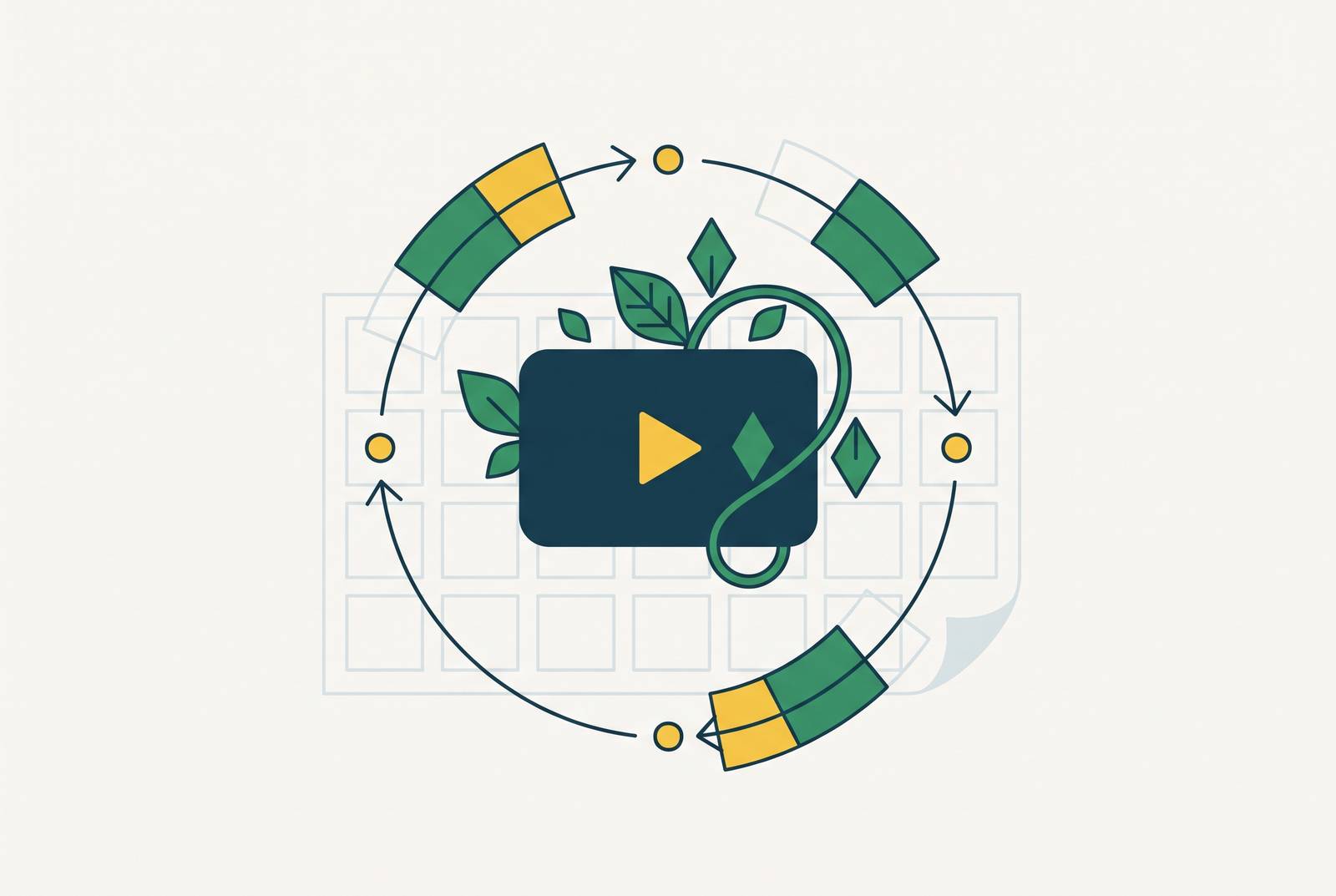
Keeping training videos current during two-week SaaS releases requires a modular video library. Separate the script, screen recording, voiceover, and captions so that a UI change requires replacing only the affected segment. Tie those updates to sprint scope, product-area tags, and named owners, so video accuracy follows the product release.
Why video made for a sprint cycle decays faster than any other content type
A user follows an onboarding video, reaches for the button it names, and finds that the button has moved or been renamed. The instruction no longer matches the product. Trust breaks at that point, because the user must decide whether the walkthrough is wrong or they have misunderstood it. A video meant to remove uncertainty has introduced it instead.
That contradiction comes from the material being recorded. A brand video or an explanation of a concept can remain useful while the product changes beneath it. A step-by-step walkthrough depends on the buttons, menus, and workflow appearing as shown. Every release that touches those surfaces can invalidate the recording. On a two-week cadence, accuracy has to be assessed against each release.
The decay is also uneven across a library. An overview of a concept may stay useful for a long time, while a detailed UI flow can be out of date within a single sprint. Videos made over several months therefore accumulate different states of accuracy, even when they sit in the same training collection. Without a way to link product changes to the recordings they affect, no one sees that decay until someone follows an instruction that no longer works.
Why a reshoot calendar is architecturally incapable of matching a sprint cadence
A reshoot calendar assumes that changes are predictable and infrequent enough to collect into scheduled production work. A two-week release cycle breaks both assumptions. The release date may be known, but the effect on existing videos depends on which product surfaces change. Putting another shoot on the calendar does not reliably link those changes to the instructions users get.
The calendar also starts its response too late. After a release, the replacement video still needs planning, recording, editing, review, and publication. Another sprint can ship while that work is underway, potentially invalidating the replacement before users see it. More editors may shorten a queue, but they do not change the model’s basic unit of work. It still treats each update as a fresh production.
The more videos a library has and the more often releases ship, the more work this approach creates. Each additional video creates another whole production to revisit whenever its content changes. The strongest objection to abandoning that model is quality. Yet for a product walkthrough, accuracy against the current interface is a basic quality requirement. A clean, current screen recording serves the user better than a polished video showing a workflow that no longer exists.
What happens downstream when video lags product reality
Stale onboarding turns a content problem into a product problem. The user who cannot find the demonstrated control may conclude that the software is confusing. Support then absorbs the discrepancy. An asset intended to prevent questions instead generates them, reversing the efficiency gain customer education was supposed to deliver.
A prospect watches a walkthrough, opens the trial, and cannot find what the demonstration showed. Now the evaluation needs an explanation that the video should have made unnecessary. That interruption can slow the deal while the buyer works out which representation to trust. The damage comes at the point where the product is being judged.
For L&D, the consequence is a growing maintenance burden. Belief in video-based training does not solve the cost of keeping every lesson current, so expanding the library also expands the work that can stall it. More languages add to that work because each stale source video has localized copies that also need to be updated. Those copies may already be based on different versions of the source, depending on when they were translated.
How to update product tutorial videos when the UI changes without starting over
The alternative begins by changing what a video is made of. Instead of one finished recording that must be rebuilt, it becomes an assembly of separate layers, including the script, screen recording, voiceover, and captions or annotations. Each layer can be revised without reconstructing the whole. If a UI change affects one step in a ten-step flow, only that segment needs replacement. The unchanged instructions and footage stay in place.
The script is the master source of truth. When a feature changes, the revised script defines what the walkthrough should now teach. That revision drives the replacement screen segment, new voiceover, and regenerated captions, keeping the layers aligned around the same instruction. Separation without that shared source would merely create more pieces to reconcile. Modularity works because the pieces remain connected while becoming independently editable.
A repeatable pipeline makes that structure useful at scale. The same template, workflow, and approval chain handle each patch without requiring a new creative kickoff. The first update establishes the process, and subsequent updates run through it, reducing the cost per segment as volume grows. “Self-updating” means the architecture supports targeted updates without forcing people to restart production, while people still judge product changes.
How to tag and organize a video library so decay is visible before users find it
To put that architecture into practice, teams should tag each video or segment against the product surfaces it shows. The useful tags are specific, including feature name, UI surface, and workflow path. A broad label such as onboarding identifies an audience need but does not identify which release could break the instructions. Product-linked metadata connects a changed surface to the assets that explain it.
Sprint notes and release changelogs should trigger a review against that index. When a release changes a menu or workflow, the matching tags surface the segments that need inspection. This can be a lightweight review taking minutes at the end of a sprint, before the release goes live. The tag match identifies risk. Someone still needs to check whether the instruction is wrong after the change or still works.
Active onboarding flows and sales demos deserve review before archival or conceptual content because a discrepancy interrupts an immediate task or evaluation. A simple decay-risk score can combine how often the UI surface changes, how much traffic the asset receives, and where it sits in the onboarding or sales funnel. That score gives the team a practical triage method without treating every recording as equally urgent.
Building the sprint-integrated update workflow that replaces the reshoot calendar
The workflow belongs inside the sprint from the start. When a feature change is scoped, its corresponding video update should be scoped with it, with the same owner and deadline. A named owner per product area is essential. A shared queue leaves the sprint-triggered review waiting for someone to notice it.
The update itself follows a fixed sequence. The owner reviews the changelog against the tag index and identifies affected segments, then revises the script before production begins. Only the changed screen segment is re-recorded, while voiceover and captions are regenerated from the revised script. The assembled update goes through the existing approval chain and is published before or alongside the release. Unchanged segments stay outside the production task rather than being reopened simply because they belong to the same video.
That sequence changes the timing as well as the workload. With a reshoot calendar, the product ships and the video work goes into the backlog. Under the living model, the release and its affected instructions share a delivery deadline. Adobe’s Generative Media Tool in Premiere, announced September 2026, allows editors to generate replacement video and sound effects directly in the timeline without leaving the project. That reduces movement between tools, but the process still depends on scoped work, an established approval chain, and someone responsible for completing it.
How localization fits into a living video system without becoming a separate project
Traditional localization begins after the source video is finalized. That makes it a trailing project by design. If the source changes while translated versions are still being made, those versions can be out of date when they arrive. A faster source-video workflow alone can leave localized training further behind a more frequently updated original.
The modular fix is to use the master script as the localization source as well. Once a segment’s script changes, translation can begin and feed localized voiceover generation before the replacement recording is finalized. Regional versions no longer need a separate production calendar to catch up.
AI-based localization can compress the traditional multi-week agency cycle to hours or days, making updated localized content feasible within the same sprint. Duolingo cut content production costs dramatically by using AI-generated scripts and text-to-speech for its DuoRadio audio series. That example shows how audio is made but does not prove that a complete video-maintenance workflow works. The relevant operational change is that script and voice production no longer have to impose the same delay on every revision.
The cost model changes too, as platform subscriptions replace per-minute, per-language studio dubbing costs and added languages need not add proportional cost to every update. This supports ongoing multilingual maintenance rather than treating each revision as a new commissioning decision. It also addresses a concrete training risk. When regions receive updates in sequence, some may follow a new workflow while others still use the previous one. Embedding localization in the release pipeline closes that timing gap when the localized updates ship together.
What to measure to know the living video system is actually working
Consumption shows whether people engage with the updated content, while behavior shows whether they take the intended action afterward. Business metrics connect that activity to retention, adoption, and support cost. Production volume alone answers a different question. Teams can ship more videos per sprint even as the library grows less accurate, so they need to track both how much they ship and how accurate it stays over time.
Completion rate on updated segments is a useful leading indicator. It signals whether users find the instructions usable enough to finish rather than abandoning them at a discrepancy, though completion alone does not establish accuracy. Support ticket volume for topics covered by recently updated videos supplies the downstream test. A reduction in the weeks following a release update indicates that the content reached users in time to help.
Feature adoption after users watch a product update video tests more than whether it prevents problems. Higher adoption among users who watched before encountering the feature indicates that the library is helping users act on newly shipped capabilities. The goal is useful instruction as well as fewer outdated files. These measures give customer success, L&D, and product teams a shared basis for judging whether maintenance is improving the user’s path through the product.
Adobe’s 2026 Creators’ Toolkit Report found that 87% of creators using creative AI say it has accelerated the growth of their business or audience. The same report found that an overwhelming majority say final creative decision-making must remain with the human. AI can regenerate segments, while the named product-area owner decides what changed and whether the updated instruction is accurate.