How SaaS Teams Swap Updated UI Footage Into Existing Training Videos Without Full Reshoots
Modular clips let teams update training videos without full reshoots.
SaaS teams can keep training videos up to date without full reshoots by building each video from clips that can be replaced on their own. When the UI changes, only the affected clip needs new footage, with script and voiceover updates where needed. The fix is architectural, supported by shared clips, release-synced reviews, and analytics that direct update work.
Why training videos go stale faster as a library grows
A team can think it has a video library problem and discover that it has a maintenance architecture problem. With a small library, a feature change breaks one or two videos, and someone handles it in an afternoon. But as the library grows to dozens of videos, the same feature appears in introductory lessons, advanced lessons, segment-specific content, and tutorial variations. One change now creates work across all of them.
At a hundred or more videos, a navigation redesign can cascade across dozens of pieces of content simultaneously. Any recording that follows the changed path, names a changed menu item, or opens a feature through that UI may need attention. Teams that update only when someone notices a problem fall behind as releases keep shipping. Eventually, they accept that part of the library will always be outdated, even though its purpose is to help customers use the current product.
Why does one UI change force a full video reshoot?
The structural cause is the continuous, single-file recording. It binds an entire lesson into one asset rather than preserving its steps as independently replaceable parts. When one step changes, the affected moment cannot simply be swapped as a standalone component. The team has to re-record the whole video instead. Frequent releases expose this weakness, but release frequency is not what creates it.
Production polish can make that lock-in worse. Practitioners call this the “Polishing Trap,” where teams export footage to external editors to make a video look professional, then face a full reshoot when the exported video needs updating. More care during recording does not solve that problem because care does not change the asset’s structure. After a UI update, the investment in a heavily edited video can even become an argument against replacing it. The content may still be useful, but the production effort is locked into a format that resists change.
What clip-level architecture actually means in practice
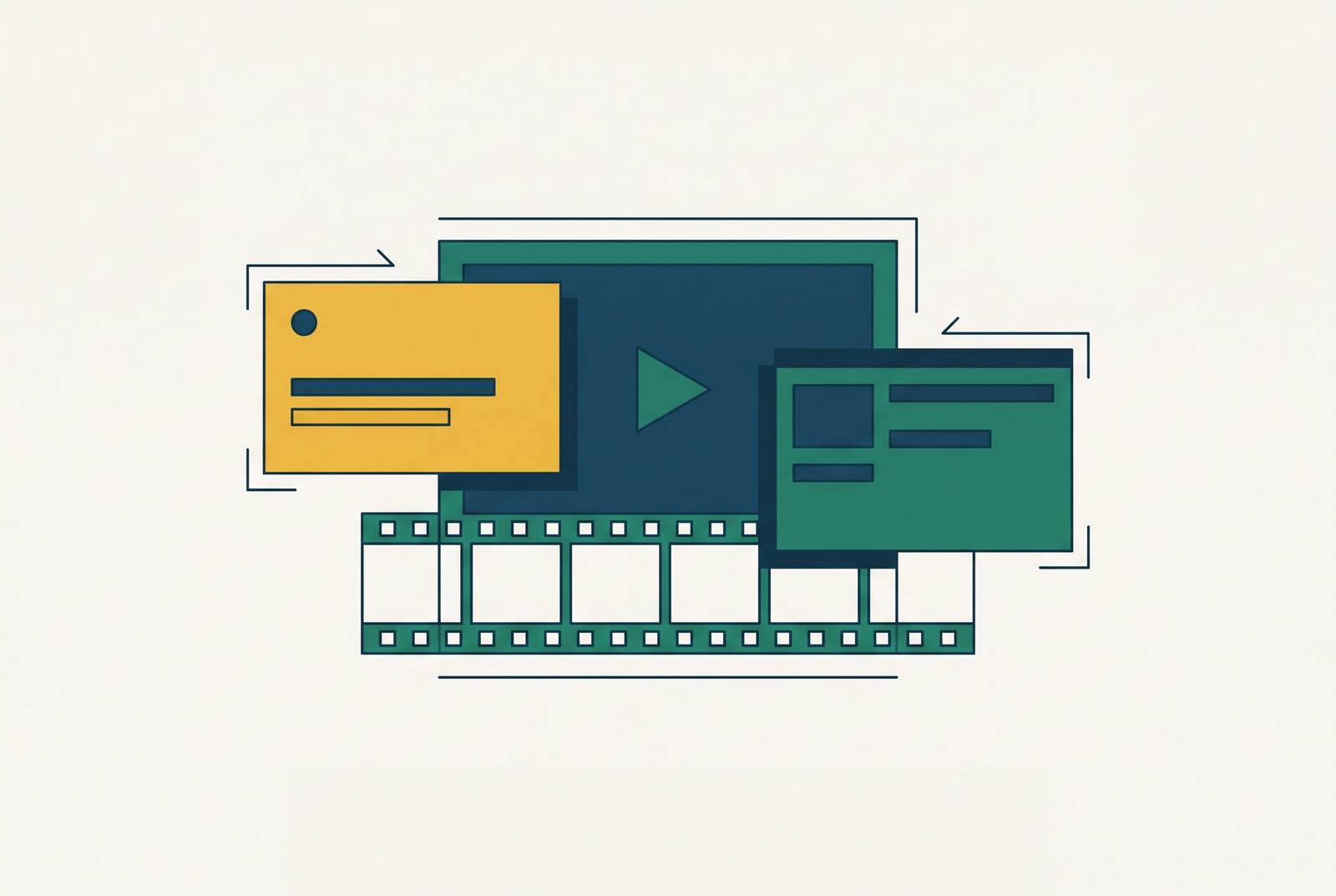
With clip-level architecture, each step or action has its own asset. The clips form a sequence for the viewer, but they remain separately stored and managed. If step three changes, only the clip for step three needs new footage. Steps one, two, and four onward remain untouched.
That boundary is what reduces hours of re-recording to minutes. The team is doing a smaller production job because the architecture limits updates to changed clips. For a product team shipping weekly, a smaller job lets maintenance keep pace, while rushing through the same job merely produces a better-organized backlog.
Treat replaceability as a production requirement. Review schedules and clear ownership can organize work on monolithic files, but they cannot remove the work those files impose. Independent clips change the unit being maintained. When those clips are also shared across videos, one replacement can update every instance that uses it.
Using shared clips across multiple videos to multiply the value of a single update
A step used in introductory content, advanced content, and tutorial variations does not need a separately maintained recording in each one. Instead, those videos use the same clip. Updating that shared asset propagates the change to every video that uses it. The benefit grows with the number of places where the step appears.
Without sharing, even short clips leave repeated work behind. The team still has to review and update each separate version of the same action, recreating the blast radius of a large library. Modularity keeps each edit small, while sharing cuts the number of times the team has to make that edit. Those are distinct gains.
For library planning, the asset to maintain is therefore the clip inventory. Shared clips need more care when they are made because how well they work affects several lessons. They should also be the starting point for a content audit. Identifying which clips are shared and which are unique reveals where a single update can do the most work.
How AI-assisted regeneration handles the parts that aren't just screen footage
A changed workflow may require a different explanation, so the script and voiceover must match the new steps. Otherwise, the video can show the current interface while describing the old one. Clip architecture bounds the visual work, but it still needs a way to update what is said.
AI-assisted regeneration supplies that complementary workflow. The team edits the script where the product changed, swaps the affected screen recording, and regenerates the voiceover. That combination produces an updated video in a fraction of the time required for a traditional re-record.
Transcript-based editing also lets the team make cuts through text. Deleting words from the transcript removes the corresponding video frames, moving that edit away from a timeline and into the script. The bottleneck then shifts from studio time toward knowing exactly what changed. The update becomes partly a writing task, with new footage needed only where the changed workflow demands it.
Interface abstraction as a hedge against visual obsolescence
Concept overviews and workflow context often explain why a feature exists, when to use it, or what outcome it supports. Clean, stylized interface assets can communicate those ideas without depending on the current button style or color palette. Cosmetic changes then leave the lesson intact. This reduces how often a clip needs replacement in the first place.
Exact task walkthroughs have a different job. Their value depends on showing the interface closely enough for someone to follow the steps, so abstraction can work against their purpose. A useful planning test is whether the lesson changes every time the UI changes. If the lesson stays the same, abstraction can keep its visuals from looking out of date as quickly. If the lesson changes too, replaceability is the stronger protection.
The practical split is abstraction for concept, context, and outcome, with high-fidelity screen capture for click-by-click task flows. Concept clips need to preserve the explanation, while procedural clips need to preserve the current path through the product.
The release-synced review cadence that keeps the clip library current
An outdated training video can be worse than no video because it teaches the wrong clicks with full confidence. Making updates cheap does not prevent that outcome on its own. Someone still has to identify the affected clips before customers rely on them. That makes named ownership the operational prerequisite. Every piece of training content needs an assigned owner responsible for its accuracy.
The review begins before the release ships. The product team shares a changelog, and the content owner maps its changes to the affected clips. The owner then assigns the updates so the work list is prepared and distributed by release time. For a team shipping weekly, this creates a repeatable rhythm tied to product changes.
Workflow changes alter the steps themselves and warrant updates on release day or before customers encounter them. Visual-only changes, including button styles, color palettes, and icons, can be handled within a defined window after release. This separation keeps cosmetic work from obscuring instructions that have become wrong.
Using analytics to prioritize which clips to update first
When a release changes many clips, analytics help teams choose which ones to update first. View count, completion rate, and rewatch rate show which content people are using. An outdated clip that customers watch a lot needs more attention than one they rarely watch. Consumption, however, is only part of the decision. The team also needs to know whether a clip helps viewers act.
Behavior metrics provide that second view through feature adoption after watching, time-to-first-action, and support ticket reduction. These measures identify content that drives outcomes, making its accuracy especially valuable. A clip with high views but low task completion after watching is a candidate for both an update and a structural review. New footage alone may not address its weakness. A low-view clip, by contrast, may not need an update until its viewership warrants one.
The review shows what changed, while usage and behavior help teams decide which work to do first. Together, the four pillars of clip-level structure, AI-assisted regeneration, release-synced review, and analytics turn maintenance from a recurring crisis into a predictable weekly process.
Extending the same clip architecture to multilingual training libraries
Localization magnifies the cost of a structure that resists edits. Without independent clips, the team has to re-record the part changed by a UI change in every language version. The maintenance burden grows with the number of languages supported. A change that was already expensive in the original becomes a separate production obligation across the translated library. More reach brings more repeated work.
Clip-level structure gives translated content the same replacement boundary as the original. They can update the changed step without making each finished language version a whole new production job. AI-assisted voiceover regeneration complements that structure by letting teams revise the script and regenerate the spoken explanation. Localization becomes a one-clip decision within the same update workflow.
AI dubbing and one-click translation also reduce the cost and time of taking finished training content into multiple languages. Voice cloning can preserve vocal identity, with lip movements synchronized to the new audio. Those capabilities help with language production, but independent clips provide the maintenance foundation.
What to do with existing monolithic videos before the next UI update arrives
Most teams cannot rebuild their entire library at once. Start by auditing blast radius, focusing on videos showing navigation paths, settings panels, and feature workflows likely to change in the next release. Those are the first candidates for clip-level conversion. Among them, shared-asset candidates should come first because turning a step used in several videos into a shared clip helps the team update all of them.
Videos that cannot be restructured immediately need a bridge. Pair them with capture-first, step-by-step guides that contain the exact current steps and can be regenerated when the interface changes. The division of labor should be clear. The video retains its value for concepts and judgment, while the guide handles the volatile mechanical instructions. This gives the team a way to preserve useful explanations without depending on old footage for the current clicks.
On Monday morning, start with the next release’s likely changes and the videos exposed to them. Work outward from the parts most likely to change. The next UI update can then become a bounded replacement job instead of another reason to start recording from the beginning.