When to Rebuild vs Update Existing Training Video Libraries
Structure your video library for modularity before you need to fix it.
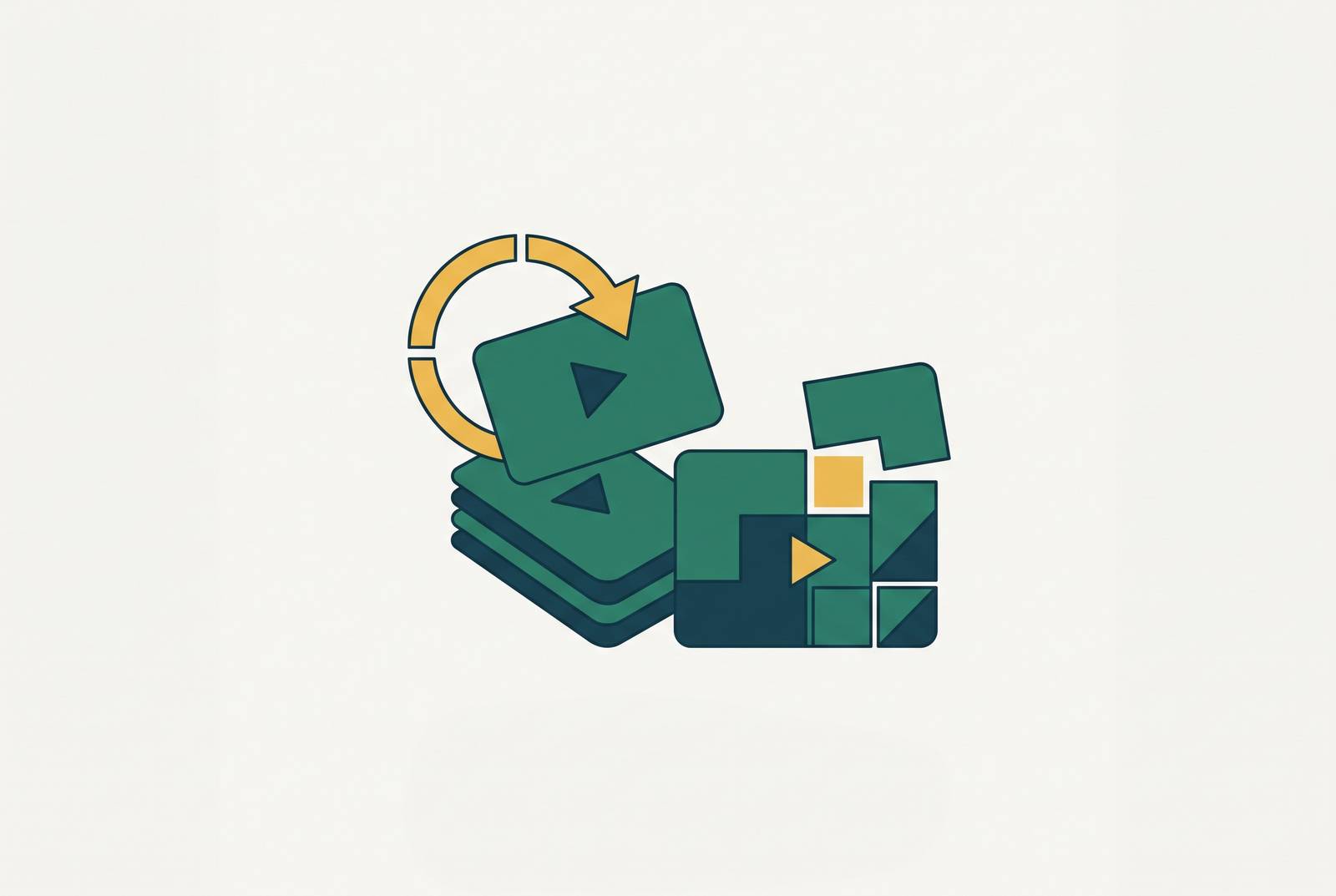
An update is a surgical intervention. It restores accuracy to an existing video without touching anything beyond the part that broke, whether that means replacing a voiceover track because terminology changed while the recorded interface is still correct, swapping captions when the spoken guidance holds up but an on-screen label doesn't match anymore, or re-recording one segment because a single screen or button changed inside an otherwise valid walkthrough. The common thread: the problem is local. An outdated button name, a stale screenshot, an expired promotion, a former employee's title on a slide; none of that changes what the video teaches, only what it shows.
A rebuild is a replacement, and the video gets re-shot because the change underneath it is structural. That's the case when a workflow's sequence or outcome changed, or when the learning objective itself no longer matches what the video demonstrates, or when enough individual segments have changed that editing them separately would leave the video full of awkward jump cuts and inconsistent pacing. A full rebrand is almost always a rebuild trigger, even when the instructions technically still work, because new logos, colors, and interface labels get baked into every frame, and a video with the wrong visual identity actively contradicts what a user sees on their own screen. Same logic applies when a feature update changes what a user must do, not just what they see: a new permission requirement, a revised workflow, a setting that no longer exists.
Most teams get the dividing line wrong. They ask how much work fixing something will take, when the only question that matters is whether the change touches the lesson's logic. Local change doesn't touch that logic, so it patches cleanly, while structural change alters the process or sequence the video is teaching, and patching around it produces something that technically plays but teaches the wrong thing. Video makes this harder than it sounds, because unlike a line of text, one screen recording carries narration, captions, cursor timing, zooms, and transitions that all depend on each other. Swap one piece and the rest may no longer line up.
The signals that tell you which choice is right
Four categories of signal decide the call, and they need to be checked in this order before a single frame gets re-recorded.
Scope of change comes first. One or two steps changed inside an otherwise accurate walkthrough: update. Several steps changed, or the order of steps changed: rebuild. If the learning objective itself changed, that's a rebuild regardless of how many individual steps still look identical on screen, because the video is no longer teaching the thing it claims to teach.
Content age and drift come next. A single outdated element sitting inside a video that's otherwise current is a clean update candidate. But when multiple generations of product changes have piled up unaddressed, patching compounds on top of prior patches, and the video becomes unreliable in ways that are hard to spot without a full review. That's a rebuild. A major rebrand since the last recording is a rebuild trigger on its own too, independent of whether the steps are still accurate, because outdated visuals mislead users even when the instructions work.
Library size and blast radius matter because a single change rarely stays contained. One video affected can be evaluated on scope and age alone, but when a platform redesign or navigation overhaul touches dozens of videos at once, the right move is triage by audience criticality: rebuild the highest-traffic videos first, update or retire the rest. A change that breaks an introductory onboarding video deserves priority over the same change breaking an edge-case advanced module nobody watches past week one.
Production cost relative to remaining useful life is the last filter, and it's the one teams skip most often. If an update is going to cost nearly as much effort as a rebuild, rebuild, and build it in a structure that's easier to maintain next time. If the underlying workflow is itself being deprecated or redesigned soon, don't update or rebuild at all: retire the video and plan its replacement against the workflow that's coming, not the one that's leaving.
A useful shortcut across all four signals: does the change affect what users must do, or only what they see? Changes to action are structural until proven otherwise, while changes to appearance are usually local. Use the smallest fix that restores accuracy, but only when it genuinely restores accuracy rather than papering over something structural underneath.
How library architecture determines whether updates stay manageable
The most consequential decision about how expensive future updates will be gets made before the first video is ever recorded, and it's a decision about structure, not content.
Monolithic videos are recorded start to finish as one continuous take, so changing step three means the entire video needs to be re-shot, because there's no clean seam to cut into. Modular videos are built from independent, replaceable clips: change step three, and only that clip gets replaced, while steps one, two, and four through ten stay exactly as they were. That's not a minor efficiency gain; it's the difference between an update that takes an afternoon and one that takes a week, and that difference repeats at every single revision for the entire life of the library.
Modular design doesn't just make updates faster; it reframes the rebuild-vs-update question itself. When updating a clip is genuinely quick, the threshold for choosing a full rebuild rises, because far fewer situations actually justify the cost of starting over. Teams stuck with monolithic libraries can still adopt better tools and tighter processes, but the underlying cost structure stays the same, and they end up managing a slow process more efficiently, without fixing the structural cause.
New videos, and any video being rebuilt, should follow a small set of structural rules: one topic per video, with no multi-concept monoliths that try to teach three things at once, and length capped around three to six minutes, since completion rates drop off hard once videos run past that mark. Captions, a stated learning objective, and completion tracking belong in the video from the start, not retrofitted later when someone finally asks whether anyone finished watching. For teams rebuilding after a rebrand or platform redesign, that moment is the natural point to move from monolithic to modular. Rebuilding without also restructuring wastes the one opportunity where the cost of change is already being paid anyway.
Auditing an existing library before committing to either path
Before deciding to update or rebuild anything, know what's actually in the library. An unaudited library makes triage impossible, because nobody can prioritize what hasn't been inventoried.
Start with a simple record for every video: title, topic, intended audience, date recorded, date last updated, approximate length, and current accuracy status. Then walk each video against the current state of the product and tag it into one of four buckets. Current means accurate with no action needed, and patch needed means a local change makes it an update candidate. Structurally outdated means the learning objective or workflow has changed enough to make it a rebuild candidate. Retire means the workflow it covers has been deprecated or is being replaced wholesale, and the video should not survive the transition.
Prioritize by audience impact, not by what's easiest to fix. Onboarding and day-one content sits at the top, because outdated material here creates the worst first impression and the highest downstream support cost. High-traffic tutorial videos come second: fix what the largest number of users actually watch. Edge-case or advanced content can queue behind both, since urgency there is genuinely lower.
Completion data belongs in this audit too. A video with low completion may need a format change, something shorter or more interactive, rather than a simple accuracy fix, since fixing the facts in a video nobody finishes doesn't solve the underlying problem. This is also where a third option shows up that the rebuild-vs-update framing misses entirely: retirement. Not every outdated video has earned a replacement.
Where AI-assisted production changes the rebuild-vs-update calculus
Traditional production economics have historically pushed teams toward "update" even in cases where "rebuild" was the technically correct call. Finished training video work has run $1,000 to $5,000 per finished minute, and a single five-minute video can absorb 40 to 60 hours of combined effort across scripting, recording, editing, voiceover, and revisions. At that price, rebuilding gets vetoed by the budget before anyone even argues the merits. The economics overrode the judgment, not because the judgment was wrong, but because rebuilding was too expensive to justify even when it was right.
AI-assisted production changes that math directly. Subject matter experts, instead of sitting through hours of scripting and shooting, can review and validate finished output in 15 to 20 minutes. Once rebuild cost approaches update cost, the framework's recommendations shift: more situations now favor a clean rebuild over a patch job likely to need patching again in six months. That's the real strategic change here, because the decision stops being distorted by production cost and starts being made on content quality alone.
AI tools are most useful at the update end of the spectrum for a few specific tasks: replacing a voiceover without re-recording anything, by changing the script and regenerating the narration; regenerating captions and subtitles when on-screen labels change; and adjusting zoom, cursor highlighting, and transitions after a single segment gets re-recorded, so the seam doesn't show.
At the rebuild end, the most useful platforms take a screen recording straight to finished video in one workflow, generating script cleanup, voiceover, captions, and zoom automatically, Clueso, for instance, is built specifically around that screen-recording-to-polished-video pipeline for software teams. Some generate step-by-step written documentation from the same recording simultaneously, so video and SOP come out of one process instead of two separate projects. Teams producing high volumes of screen-capture software training should evaluate platforms built specifically around that workflow, rather than general-purpose video tools adapted to the job.
One counterpoint deserves equal weight, not a footnote. Research has found that 87% of people said they prefer a real person over an AI avatar or animated character in instructional video, and for high-stakes or high-visibility content, the fastest rebuild option carries real tradeoffs. Teams should treat that preference as a constraint on format worth planning around.
Applying the framework at different library scales
Scale doesn't change the framework's logic; it changes which part of it carries the most weight.
In a small library, under roughly 20 videos, individual assessment is practical. Each video can be evaluated on its own against scope, age, and cost, one at a time, without needing a formal process wrapped around it. In a mid-size library, somewhere between 20 and 75 videos, that one-at-a-time approach stops scaling. The right move is to audit the whole set first, triage by audience impact, and batch updates by the type of change rather than by individual video, since a single product change often touches a cluster of videos in exactly the same way.
Large libraries, 75 videos and up, face a different problem entirely: a single platform change can render dozens of videos inaccurate at once, and at that point the library needs a standing maintenance policy, not a one-time cleanup effort. That means setting a trigger, some defined type of product change that automatically flags related videos for audit, and it means assigning ownership, someone specific responsible for reviewing flagged content and making the rebuild-or-update call. It also means setting a review cadence that runs independent of product release cycles, since drift accumulates in ways that release-triggered reviews alone tend to miss.
For a large library facing a full overhaul, a rebrand or platform redesign, resist the instinct to update everything. That moment is better spent retiring what no longer earns its place, rebuilding the highest-impact videos with modular architecture from the start, and scheduling the rest on a rolling basis rather than trying to fix all of it at once.
Global libraries add a further layer of cost. A single change to an English source video can require the identical change propagated across a dozen localized versions, and teams that treat localization as an afterthought end up paying that update cost separately, in full, in every language, while teams with efficient translation workflows built into production pay it once.
Turning a one-time decision into a repeatable maintenance habit
The framework only pays off if it gets applied before a library has already drifted badly. Reactive maintenance, fixing things after users report them broken, is always more expensive than proactive maintenance, catching drift on a schedule before anyone notices.
Three conditions make the framework something a team can actually run on an ongoing basis, rather than something it applies once in a moment of crisis. Modular architecture has to be in place, so updates stay genuinely surgical instead of requiring a full re-shoot disguised as a quick fix, and the library has to be audited on a fixed schedule and after major product releases, not only when a user stumbles onto a broken video and files a ticket. Production speed also has to match the pace of product change: if rebuilding a video still takes weeks, teams will keep avoiding rebuilds even in cases where the framework clearly says to rebuild, simply because the cost of doing the right thing is too high to justify.
This connects to something larger than any single library. Learners forget most of what they're taught within a week of training, so a library that drifts out of sync with the product undermines retention that was already fragile to begin with. Video keeps winning on its own merits as the format people prefer for learning about a product, but that preference is only worth anything if the video someone sits down to watch actually matches the product they're about to open.