One Screen Recording That Outputs Both a Tutorial Video and Formatted Written Guide
AI turns one screen recording into both video tutorial and written guide automatically.
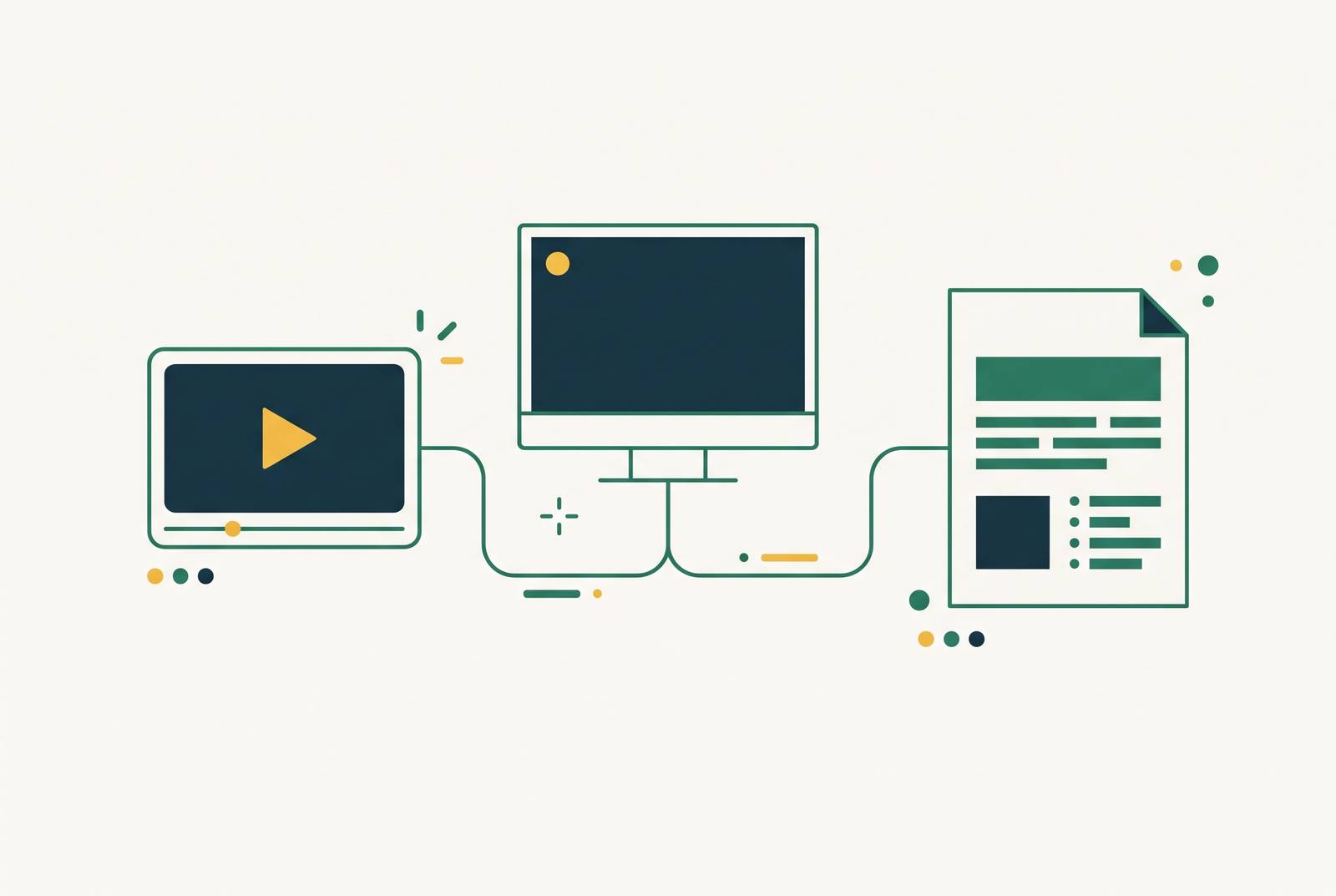
A single screen recording can now produce both a tutorial video and a formatted written guide. Tools such as Glitter and Trainn turn one capture into both outputs, removing the separate writing and video-production passes. The key is that AI reads the screen, processes audio, and detects step changes together, so the same explanation does not have to be built twice.
Why software teams end up creating the same explanation twice
A software expert records a workflow, then someone reopens it to take screenshots, write instructions, and format a guide. The explanation already exists in the video. Yet someone still has to make the written version, often in another tool and on a different schedule. That is the double-taxation of software education content, where the team pays twice to explain the same process.
The second format is not busywork, though. Someone learning a feature needs to see the interface respond, while someone checking a setting needs a line of text they can find quickly. Meeting both needs leaves teams with little choice but to produce both assets. The cost then keeps growing each time a feature changes, a screen moves, or the content needs to reach another market.
More people can absorb that work without removing it. A larger team may divide recording, editing, and documentation among specialists, but each asset still has a separate path from draft to publication. A small team simply asks the same person to walk both paths.
What multimodal AI actually does inside a single recording session
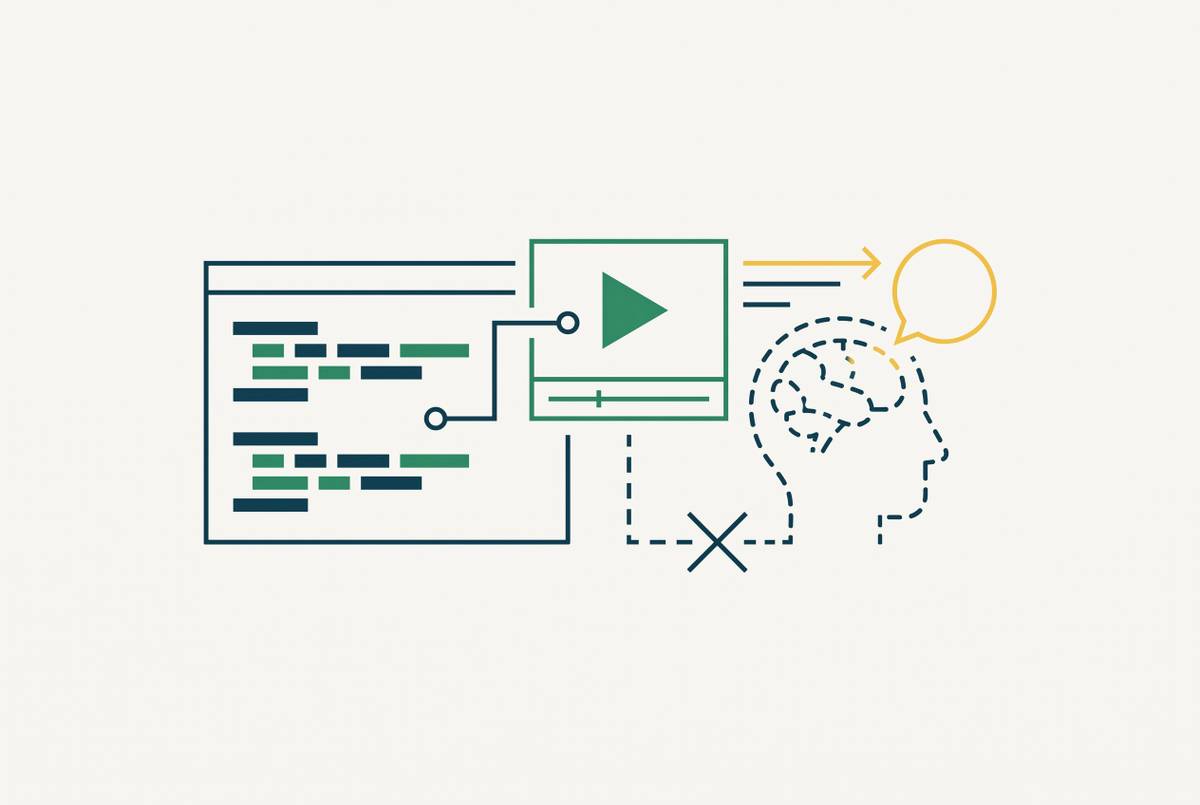
Multimodal AI works across more than one kind of input, in this case audio and on-screen activity. Speech recognition transcribes what the person says while visual processing reads the video frames. A third task detects the boundaries between steps, using clicks, changes in the interface, and transitions between applications. Those tracks work together rather than treating the recording as an uninterrupted block of footage. A timestamp says when something happened, but a step boundary identifies a unit of the process.
ScreenApp’s AI Instruction Generator describes the mechanism directly. “Speech recognition transcribes the audio while the AI reads the video frames to find where one step ends and the next begins.” The spoken explanation gives context for the visible action, while the screen shows what the instruction refers to. That pairing is the useful part of the mechanism. It lets the system use actions to build the instructions instead of just splitting a transcript into paragraphs.
From those boundaries, the system constructs two parallel outputs. The video gets narration, zooms, and captions at the detected action points, while the written guide gets numbered steps, screenshots, and timestamps linking back to the footage. Some platforms also process interaction data rather than only raw pixels, reconstructing footage, removing accidental clicks, and drafting voiceover without spoken narration during capture. Trainn produces a training video with AI voiceover, a step-by-step guide, and an interactive walkthrough from one recording. Two outputs are therefore not the limit of this approach.
Glitter describes the same capture feeding a video SOP, a step-by-step guide, or a software tutorial. Input quality still constrains the result, however. ScreenApp’s documentation says a clear screen with a spoken explanation produces more complete instructions than a fast, cluttered, silent recording, and recommends reviewing the draft before sharing.
How the written guide and the video divide the audience without dividing the work
A person opening an unfamiliar feature needs more than a list of button names. They need to see where the controls are, what happens after a click, and how the next screen relates to the last one. Video supplies that sequence without asking the viewer to reconstruct it from still images. It is strongest when the whole path is unfamiliar. The pace and visible responses give a new user their first orientation.
The same person may need something different tomorrow. Once they know the workflow, they may only want step 3, a file path to copy, or the name of a setting to verify. Replaying a full tutorial puts a linear experience in the way of a specific answer. A written guide lets them scan for what they need, search, and follow the instructions without audio. That is not a lesser version of the video, but a different way into the same information.
Written documentation also gives the content a searchable text surface. Search engines can index structured instructions, and other content can link to them for searches at both the step and feature-name level. With one capture supplying both formats, the team no longer has to settle a video-versus-text debate before publishing. It can serve first-time learning and repeat reference without assigning a second production job.
What the workflow looks like for the team actually doing the recording
The workflow has three stages, which are capture, review, and publication. Capture starts with someone recording the software process, but it does not always require a new session. ScreenApp can use a screen recording or training video the team already has, without live capture or a browser extension. Glitter also accepts uploaded video as well as new recordings.
Review begins once the AI has generated the draft video and written guide. The person checks whether the narration, screenshots, and numbered instructions match the actual workflow. This is not a rubber stamp. A generated script can sound polished while leaving out an action the system failed to detect. Following the real process during review helps find those gaps, because wording that reads well alone does not prove that the instructions work.
Corrections happen at the level of the affected step. The reviewer can rewrite an instruction, replace a screenshot, adjust narration tone, or regenerate a section without repeating the whole capture. That still takes judgment, but it is a different job from assembling a video and writing a document from scratch. The separate editing session, narration session, and writing session give way to review of generated drafts.
Publication then routes each output to its destination, subject to the platform’s export support. The MP4 can go to a help center or LMS, Markdown or HTML to a knowledge base or Confluence, and a PDF to a sales sequence or partner portal. The same session supplies the different channels without a separate formatting pass for each. Staff in customer success, product, L&D, and sales enablement can run the workflow without waiting for a video producer or technical writer to make each asset.
The maintenance advantage when a product update changes one screen
If one recording produces two assets, a product update can make both stale at once. A changed screen does not become less troublesome because AI generated the instructions around it. Someone still has to find what changed, fix the parts it affects, and check the result. Dual output does not make maintenance disappear.
What changes is the unit of repair. In the old workflow, one interface change triggers video work in one tool and documentation work in another. A system with modular step editing instead uses the boundaries detected during capture as replaceable units. The team can update step 4 without touching steps 1 through 3 or 5 through 8. Only the changed step needs new capture or correction, rather than a full video rebuild and a separate guide rewrite.
Some platforms keep published assets live, so an edit propagates to embedded video instances across a knowledge base without a new export or upload. Static files still need to be uploaded again after correction. That distinction becomes significant across a large content library. The lesson for a team choosing a platform is to confirm how updates propagate before committing the library, because modular editing and live distribution solve different parts of the maintenance job.
Which teams benefit most and what they stop doing manually
Customer education and support teams gain most when they already create video and documentation on separate schedules. A workflow drawn from a support ticket category can become both a help center article and an embedded tutorial from one capture. For these teams, the eliminated task is the second production pass. The support explanation does not have to be rebuilt before it becomes useful in another format.
L&D and training teams have a similar problem with keeping their libraries up to date. Training videos and SOPs often need separate upkeep, even when they teach the same task. One source recording gives the team a shared basis from which both can be regenerated when the product changes. Technical writers then start with a structured draft instead of rewatching a demonstration to transcribe and format it. Their contribution shifts toward accuracy, completeness, and judgment.
Sales enablement teams use the same approach for demos. One walkthrough supplies the video for a sequence and the written brief for a follow-up document or partner portal, without another production session. Operations teams use it before someone changes roles to record how a process runs while that person can still show it. The team can share the guide right away and use the video for future onboarding. ScreenApp identifies that handover use directly in its description of operations managers capturing workflows.
The shared gain is the removal of manual duplication. These teams stop scheduling separate narration sessions, taking another pass for screenshots and annotations, and formatting the written guide independently. Distribution still has different destinations, but it no longer needs to begin with two separately built assets. A team that makes only one format gets another useful output, while a team that makes both cuts work from its schedule.
What to look for in a tool that genuinely delivers both outputs
For a buyer, the first test is whether both outputs come from the same capture and its detected steps. A raw transcript with a few headings is not equivalent to a formatted guide with screenshots anchored to actions. The written document should be a primary output. By processing screen activity and audio together, the system gets the context it needs to find step boundaries, instead of relying on another tool to turn an exported video into a document.
Modular editing is the next test because it makes the maintenance argument hold. A tool should allow a single caption, screenshot, or narration segment to change without requiring the whole recording again. Glitter states this commitment plainly in its product description. “Update one step without re-recording.” A tool can let the team make those edits and still leave it to upload the files by hand, since published copies may not update automatically.
Export support should match the channels the team uses. Markdown may fit a knowledge base, HTML a help center, and PDF a partner portal, but those formats should not be assumed from a general claim of dual output. Existing recordings deserve the same scrutiny before a choice. ScreenApp and Glitter accept uploads, which gives teams a route to reuse earlier captures without recording the library again.
Global teams need more than the first video and guide. Localization should translate and re-dub the video and translate the written guide from the same source recording, or the team has to treat each language as a separate project. After a five-minute recording and review, can both outputs be published without another production pass? If the guide still needs manual formatting, screenshot insertion, or a writing session, the tool has reduced the duplicate work, with some of it still required.