From Single Recording Session to Dual-Format Training Asset Without a Production Team
One screen recording can generate both a polished video and structured documentation simultaneously.
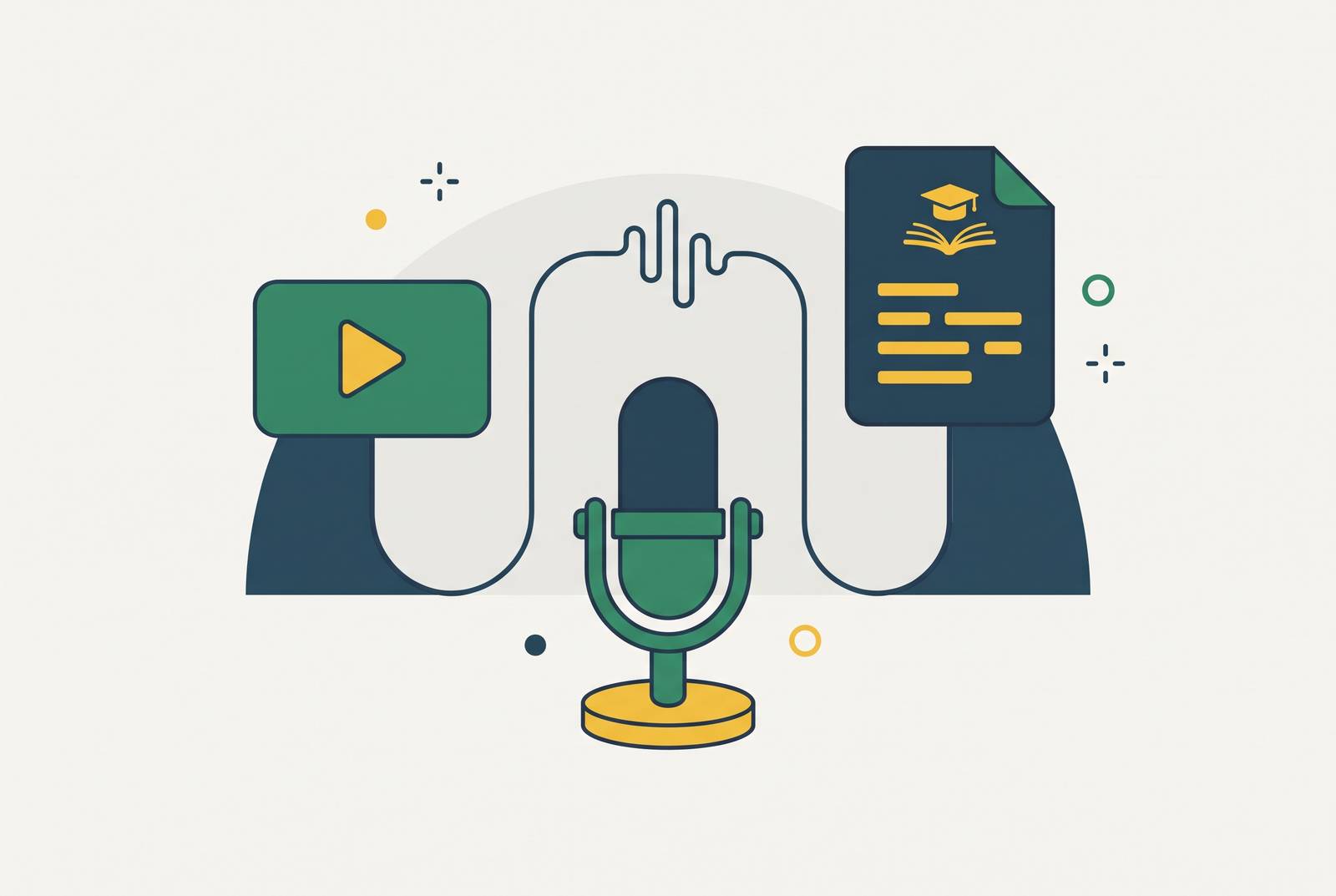
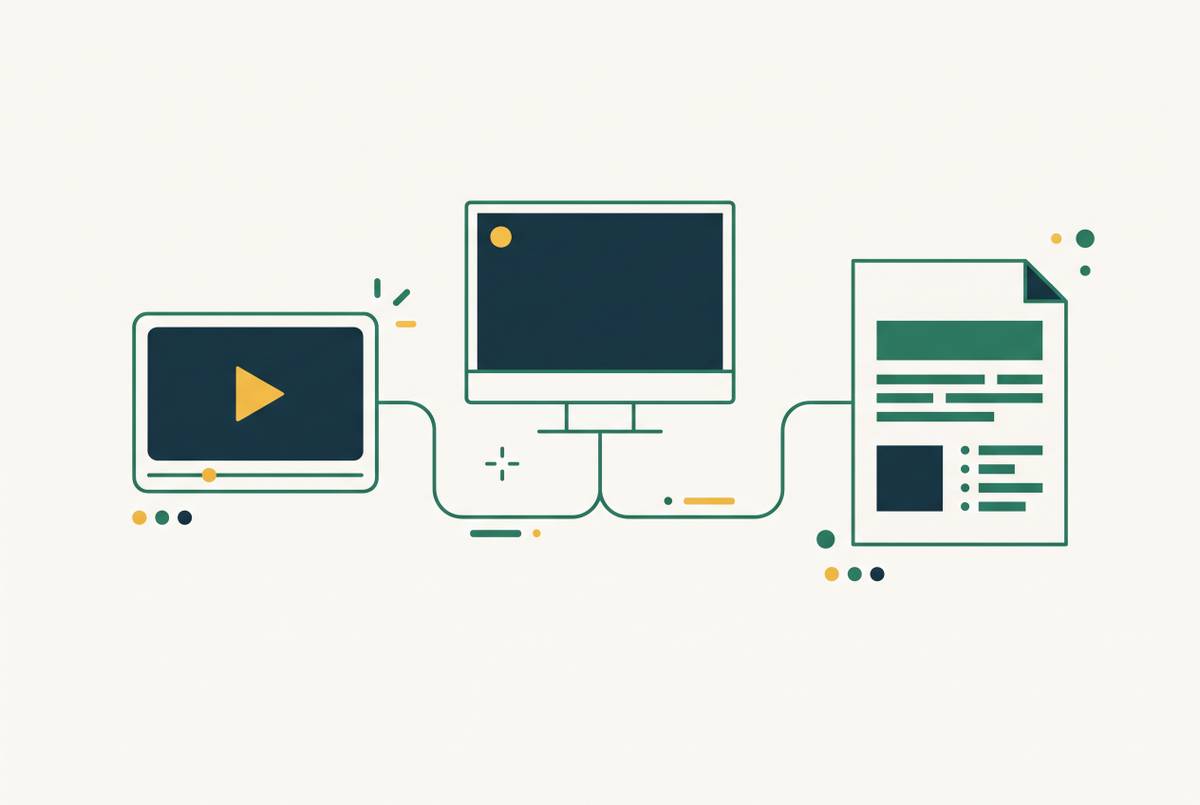
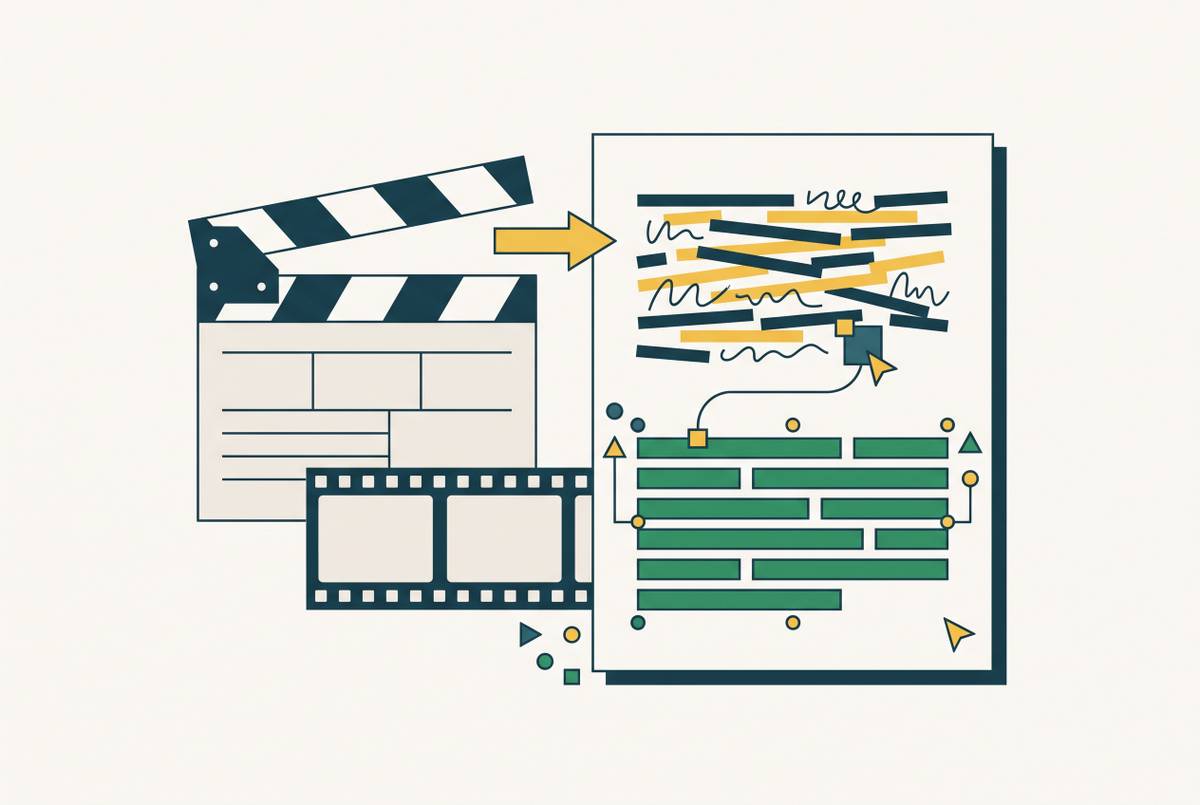
A single narrated screen recording can generate both a product walkthrough video and step-by-step documentation when an AI workflow processes it along two tracks. The video track edits for viewing, while the documentation track turns actions into instructions and screenshots. The practical skill is capturing the task clearly, then reviewing both outputs together so a small team can publish them without a production team.
Why a single screen recording can now produce two finished training assets at once
AI can read a narrated screen recording in two ways. It sees visual frames that can become an edited video, and it reads a transcript of actions that can become a structured guide. Neither output has to wait for the other. That breaks the old sequence in which someone scripts, records and edits a video before someone else starts writing the SOP.
Leadde's 2026 analysis identifies production overhead as the obstacle to making corporate video at speed and describes the strongest workflows as hybrid systems combining automation with human editing. For customer education, L&D, product and sales enablement, the shift extends beyond faster editing. One recording can now supply two professional assets without a specialist handoff. Mastering that dual-format process separates teams building content at scale from those still running sequential production loops.
Why most teams still produce video and documentation separately, and what it costs them
The split usually starts with ownership. Video has historically belonged to marketing or L&D, while documentation belongs to operations or product. Each group has its own tools and schedule. As a result, the same product knowledge gets captured, edited and reviewed twice, even when both teams are explaining exactly the same task.
Think of a product update that moves a button. The video needs a revised capture and edit, while the guide needs a new screenshot and instruction. If those updates happen at different times, users get directions that disagree. This is version drift, and it weakens trust in both assets.
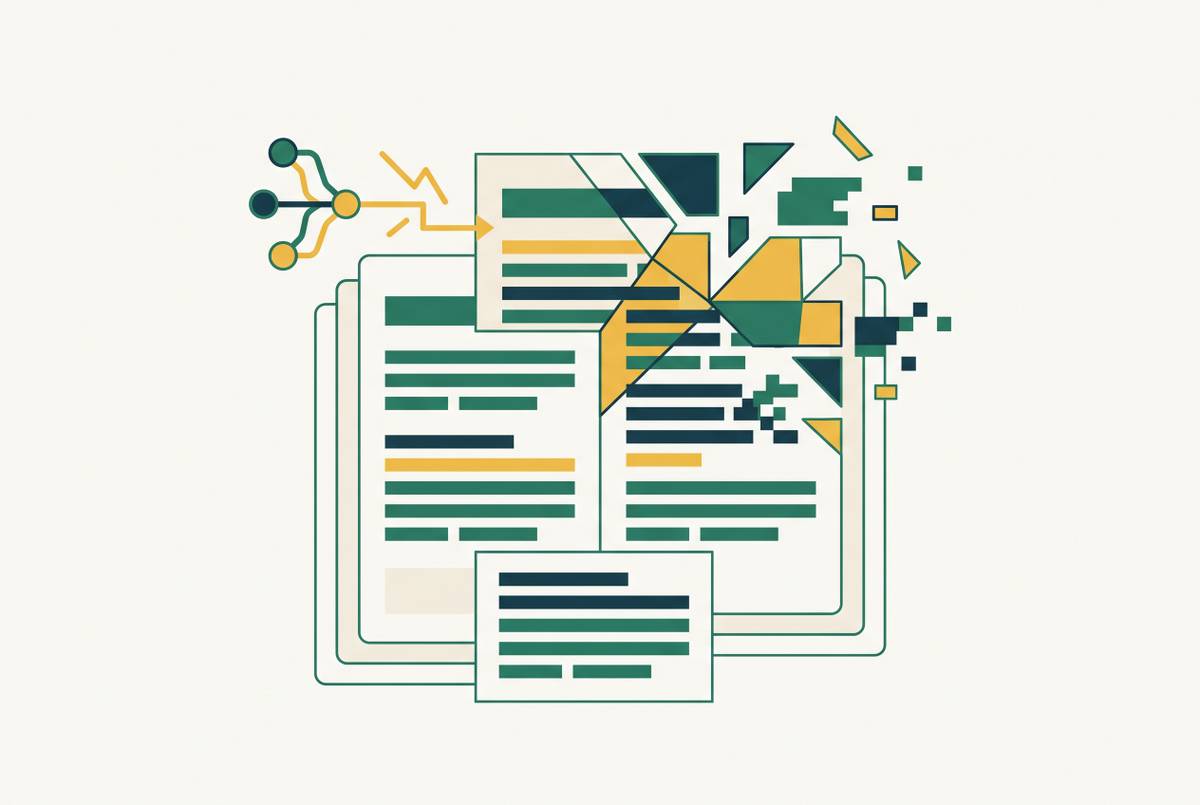
The reasonable objection is that consolidating production might sacrifice quality. A recording made for video could leave documentation that reads like a transcript. But dual-format processing does not simply copy narration into a document. It uses the same source differently for each format, preserving the shared task while changing how the instructions are presented.
What the recording session itself needs to produce two clean outputs
To put that distinction to work, start at capture. Narrate each action as it happens, naming the interface element and what is being done to it. For example, describe clicking Settings in the top-right corner and then selecting Notifications, rather than explaining both after the screen has changed.
Pause for one second between discrete actions. That boundary supplies a clean screenshot for the guide and a natural cut point for the video. Keep each recording to one task, one workflow and one outcome. A narrow scope makes it easier to identify where the instructions begin, where each step ends and what success looks like.
AI script cleanup can remove filler words and restarts, but it cannot recover an inaudible instruction. Vivideo's 2026 workflow guide puts the preparation principle plainly with “the brief is still the real work”. For screen recording, that means knowing the task and its outcome before capture, rather than expecting editing to untangle a vague explanation afterward.
How AI splits one recording into a video pipeline and a documentation pipeline simultaneously
After upload, the recording enters two processing tracks. The video track rewrites raw narration into a cleaner script, removes filler words and adjusts phrasing to the voice set in the template. AI voiceover can replace or add to the original speech, so a change to the script need not mean recording again. Smart zoom highlights the interface element in use, and the cleaned transcript provides the words and timing for captions.
The documentation track parses action verbs such as click, select and enter, together with interface references, to identify step boundaries. It then extracts key frames and pairs them with the corresponding instructions. Those screenshot-plus-text steps become a numbered SOP with a title, a task description and any flagged callouts, such as required fields or expected results.
Take a five-second clip of someone who clicks through a settings menu. In the video, that clip becomes a timed segment with zoom directing attention to the active controls and captions explaining the action. In the guide, the same clip provides screenshots with one instruction for opening Settings and another for selecting Notifications. The source is shared, but the structure is not. One output guides attention over time, while the other lets a reader stop at a specific step.
Both outputs still need review before publication. Leadde's analysis describes automation of narration, subtitles, scene regeneration and localization from document inputs, with people moving from execution to approval. The same division of responsibility applies here, but the source is a screen recording. Automation assembles the material, while a qualified reviewer decides whether it teaches the task correctly.
The human quality gate: what AI cannot verify and what reviewers must own
A recording shows what happened during capture. The recording leaves open whether the interface is still current, whether the procedure is complete and whether a rewritten instruction preserves every technical distinction. A reviewer must check the documentation against the live product and watch the video as a first-time user would.
For the guide, check that each screenshot matches the current interface and that step boundaries make sense. One spoken sentence may describe two actions that each need their own instruction. Required fields, safety notes and expected results also need explicit treatment when the task demands them. For the video, check that the cleaned script preserves intent, zoom highlights the right control, and captions match both the audio and its timing.
GoFaceless's 2026 workflow guide calls for a human quality-control gate covering factual claims, pacing, captions, licensing and disclosure requirements before every export. It also warns that when no one clearly owns the work, making assets in parallel can leave versions that disagree. To prevent that, assign a named reviewer and make “QC passed” a visible stage before “exported”. Review is not an optional finishing touch. A fast, wrong asset can consume more correction time than a slower, accurate one would have required.
Batching multiple recordings into a content library without starting over each time
Once one session works, batching saves the work of setting up each time. When a brand voice, documentation template and video style are approved once, related recordings can all use the same structure. The discipline is in planning and scheduling. Assets made on their own can still look and sound unrelated if they have no shared references.
For example, a team could plan eight feature walkthroughs for a new onboarding module, record all eight in one afternoon, then generate the videos and SOPs in a single processing session before a shared review. Each recording would still focus on one small task. Before capture, the team would map the feature set so the batch has no gaps that force another session. During capture, it would keep narration style, pacing and screen setup consistent.
Checking the batch together makes it easier to spot terms and step names that differ. A naming convention and content map then connect each recording to its task and each guide to the steps it covers. GoFaceless's benchmark supports the broader batching approach of approving structure and voice once, creating assets in parallel and applying a human QC gate before export. Vivideo's guide identifies continuity as the hard problem when assets are generated independently. Keeping the references locked gives the library that continuity, with no need to choose a style again for each item.
Keeping both assets current when the product changes
The lasting gain depends on the cost of updates. If every interface change means recording everything again, the time saved at the start is soon lost. The ideal update path is to capture only the affected segment, process it through the same two tracks and replace the corresponding video clip and documentation step. When a button moves, most of a five-minute walkthrough should be kept as it is.
To make that possible, keep clear step boundaries in each task recording. A task can still be recorded in one session, with each action forming a segment that can be replaced. When a change arrives, those boundaries define what needs new capture and what can stay. The content map from batching helps identify the affected assets rather than treating the whole library as one undifferentiated collection.
The two formats still have different update needs. A guide's text and screenshots can usually be changed one at a time while the steps around them stay as they are, but changes to narration, zoom or captions mean the affected video segment must be rendered again. Teams with frequent releases should therefore make recording a recurring process tied to the release calendar. Teams can then schedule maintenance before the content goes stale and needs a separate project to rescue it.
Extending both assets across languages without a separate localization project
Once the source-language assets exist, localization can extend the same workflow. The video script is translated and given a new voiceover, while the guide's text is translated with its screenshots in place. Another recording is not the starting requirement. Localization can therefore run as part of production rather than waiting for a separate translation, recording and editing project.
Human review still follows the risk of the content. Training for staff on changes to procedures can usually use AI translation with a light review pass, but compliance content, safety procedures and certification programs for customers need full human review. The guide is usually simpler to review because its text can be checked against existing screenshots. Localized video also needs checks on voiceover timing and translated captions and UI labels.
Any team member can trigger this extension of production. That does not mean every team member can approve every translation, especially where an error has serious consequences. It means starting the process no longer has to depend on a localization specialist organizing a separate production effort.
Where to start: a first dual-format recording session a small team can run this week
For a first session, choose one self-contained task that already causes support tickets or repeat questions. Give the task clear start and success states. A feature overview is too broad for this test because it makes the outcome harder to judge. A specific action that new users struggle to complete gives both the video and the guide an immediate purpose.
Record in a clean browser or application state, with no personal data, irrelevant tabs or notifications visible. Narrate every click and keystroke as it happens, leaving a one-second pause between steps. Then upload the recording and generate both drafts in the same session. Name one reviewer to check both outputs against the live product before either is published. The first attempt can go ahead without a plan for the whole library.
Measure the result against the problem that prompted it. If the task leads to five support tickets per week, track whether that number falls after the content is published to check that it has helped. The first session's goal is a working example that the team can improve and reuse as a template. A team that has completed it has learned the process while others are still scheduling separate video and documentation projects for the same task.