What AI Video Generation Can and Cannot Do for Software Tutorials
AI video generation excels at creative work but fails at the precision software tutorials demand.
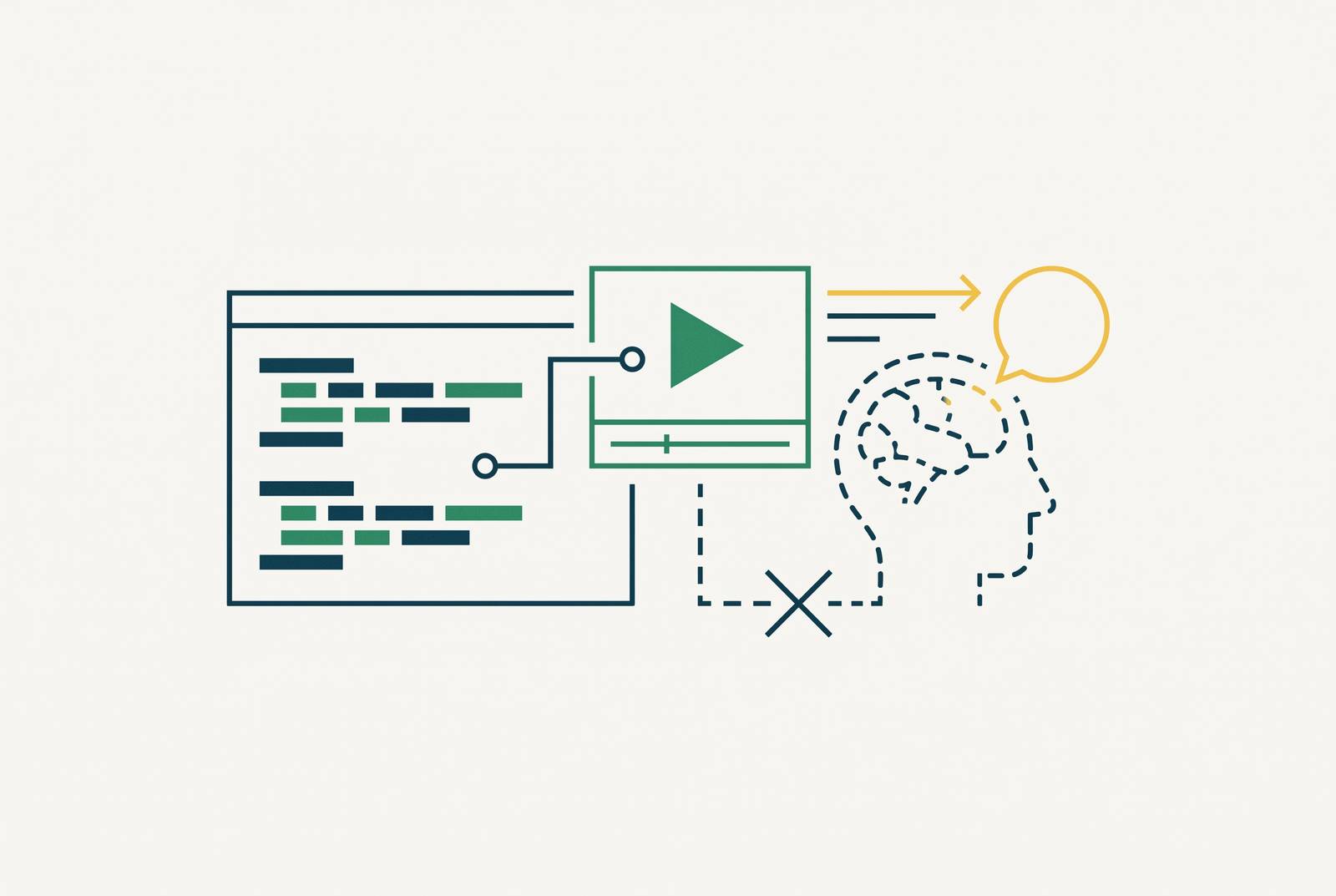
A software tutorial has one job: show a user what to click, type, and see, inside real software. That job sets the bar for what counts as a good tutorial video, and it's the bar this entire piece is measured against. A tool that can record your screen once and generate both a video walkthrough and written documentation from it is answering a different, much narrower question than "can AI make video." It's answering "can AI make this video, of this software, accurately." Those are not the same question, and the gap between them is the subject of this article.
Software tutorial teams and pure AI video generation
A software tutorial carries a kind of promise that most video content doesn't have to keep. The interface on screen has to be the real one. Every click has to happen in the right order. Every outcome on screen has to match what the viewer will actually see when they try it themselves. The tolerance for visual error sits close to zero, because a wrong button or a mislabeled field doesn't just look bad, it sends someone down the wrong path in a piece of software they're trying to learn.
Most of what's written about AI video generation is written for marketers and filmmakers, celebrating things like fast concept visualization, cinematic B-roll, and stylized short clips. Those are real strengths, but none of them have much to do with showing someone how to set up a dashboard or submit a reimbursement form. A rapid prototyping tool for ad concepts and a tool for teaching software are solving different problems, even when they're built on the same underlying technology.
That mismatch is what trips up a lot of tutorial teams. They see demos of AI video tools producing slick, polished clips and assume the same quality will carry over to a product walkthrough. Then they try to generate a video showing a specific menu click inside a specific piece of software, and the tool gives them something that looks like software but isn't their software. The tools were never built for that kind of precision, and no amount of enthusiasm changes what they were designed to do.
What AI video generation produces in 2026
Most of the leading text-to-video models share a common technical backbone: a diffusion transformer, an approach that turns a written prompt into a visually coherent scene by gradually refining a noisy draft into a finished video. It's a method built on enormous volumes of natural-world footage, like people, places, objects, motion in the physical world, not on the exact, fixed layouts of software interfaces. These models learn what a park, a kitchen, or a car commercial generally looks like. They don't learn what a specific company's billing settings page looks like on a specific day.
The technology has moved fast. Native audio, meaning ambient sound, dialogue, and synced effects, has gone from rare to close to standard in top-tier models within the last six months, even though it's not yet universal across every model on the market. Character consistency, keeping the same face or object looking the same from one cut to the next, is also improving quickly. Seedance 2.0 and Veo 3.1 have both added reference-driven consistency tools, and that kind of consistency is becoming a baseline expectation.
None of that progress changes what these models are optimized for. Concept visualization, cinematic B-roll, stylized short clips, and rapid prototyping all share one trait: the viewer already knows roughly what "correct" should look like and fills in the rest. A plausible-looking scene is good enough, because the viewer isn't relying on the video to teach them something they don't already understand. A software tutorial flips that completely. The viewer is watching because they don't have the mental model yet, and the video has to hand them one that's exactly right, not one that's close.
The three structural limitations that matter specifically for tutorials
AI video generation has plenty of known weaknesses, but three of them are hard blockers for tutorial teams, and they come directly from how these models work, not from how polished any individual tool happens to be.
The first is screen fidelity. AI-generated video can't reliably reproduce a real piece of software: the actual buttons, menus, field labels, and navigation paths. A diffusion model generates what a user interface might plausibly look like, not what a specific product's interface actually looks like at a specific moment. For a tutorial telling someone to click a specific menu item, a plausible-looking but wrong interface is a wrong answer that will cause the viewer to click the wrong thing.
The second is sequential coherence. A tutorial depends on every frame showing the logical result of the action before it, all inside the same, consistent application state. That's a tougher bar than anything in narrative film, where a few seconds of visual drift between cuts barely registers. Without deliberate reference management holding every detail steady, each new generated clip rolls its own independent set of visual probabilities. By the fourth clip in a sequence, small inconsistencies stack up into something that reads like two different sessions of the same software.
The third is text rendering. AI video generation still struggles to render readable, accurate text: signs, labels, and interface copy. That's exactly the content a tutorial lives or dies on, since field names, button labels, and error messages have to be shown correctly for the tutorial to do its job. A label that's close but not quite right is a factual error in a piece of content whose entire purpose is to be factually correct.
These three limitations don't fade as the models get better at lighting, motion, or audio. They're built into how diffusion transformers generate video in the first place, and that's why they hold regardless of how impressive a given model's demo reel looks.
The production tax that makes workarounds expensive
AI video's speed advantage doesn't spread evenly across every kind of content. The time savings appear strongly on tasks where the first generated clip is good enough to use. They disappear fast on tasks that need several rounds of regeneration before the output is acceptable.
Tutorial content sits squarely in that second category. "Acceptable" here means an accurate interface, correct labels, and a step sequence that actually holds together, and that bar is simply higher than what most creative or marketing content needs to clear. First-attempt success rates on tutorial-grade accuracy are structurally lower than on general creative clips, because the standard for correctness is stricter.
Every failed attempt costs time, uses up generation credits, and adds another round of review. The real cost per finished clip ends up far higher than the advertised per-second generation price would suggest. Stack that across a tutorial library of even modest size: iteration cost grows with the number of clips, so AI-generated tutorials can end up costing as much as, or more than, a standard screen recording workflow for any team producing videos at real volume.
The capability mismatch here comes from text-to-video models being built for cinematic and creative work where "plausible" is enough, while software tutorials require the interface to be exactly right. That mismatch has pushed the most effective tutorial automation tools toward a different setup, one where the screen recording itself is the source of truth, and AI only gets applied to the layers where some approximation is fine, like script cleanup, narration, visual polish, and written documentation. Clueso is one example of a platform built around that principle, treating AI as something that enhances a real recording rather than something that generates footage from nothing.
Where AI genuinely accelerates the tutorial production workflow
None of this means AI has little to offer tutorial teams. The real gains sit in scripting, narration, and localization, apart from generating the visuals themselves.
Scripting is the clearest case. AI has all but removed the scripting bottleneck that used to slow tutorial production down the most. Teams can feed in source documents, SOPs, and product guides they already have, and get back a complete, structured script in minutes. The mechanism is simple: upload training manuals, help center articles, or release notes, and the AI builds a full script and scene structure from them, so nobody has to start from a blank page. That benefit holds for every tutorial workflow regardless of whether the finished video uses screen recordings, because it speeds up production either way.
Narration tells a similar story. AI voiceover now produces narration that sounds natural across a wide range of languages, without booking studio time, scheduling voice talent, or re-recording every time a script changes. For teams whose software updates constantly, that alone removes a real source of delay.
Localization is where the savings get largest. Turning a short training video into several languages used to take weeks and a real agency budget. AI compresses that process down to hours, without adding extra production infrastructure for each new language. Training delivered in a learner's own language improves comprehension and retention, so localization is a decision that affects whether the training actually works.
AI also makes it far cheaper to keep tutorials current. When the software changes, teams can update the script, regenerate the voiceover, and re-export localized versions without touching the camera or the recording at all, which solves the currency problem that makes large tutorial libraries so expensive to maintain over time.
The hybrid workflow that combines screen recording with AI production layers
The strongest tutorial production setups in 2026 don't treat screen recording and AI as competing options. They treat them as two layers that each handle what the other can't. Screen recording takes care of visual fidelity: the real interface, the real click sequence, the real system state, which is exactly the content AI video can't generate reliably and that a tutorial can't afford to fake. AI takes care of everything built around that recording: scripting, voiceover, smart zoom, captions, and localization, the work that used to require a production specialist and real studio time.
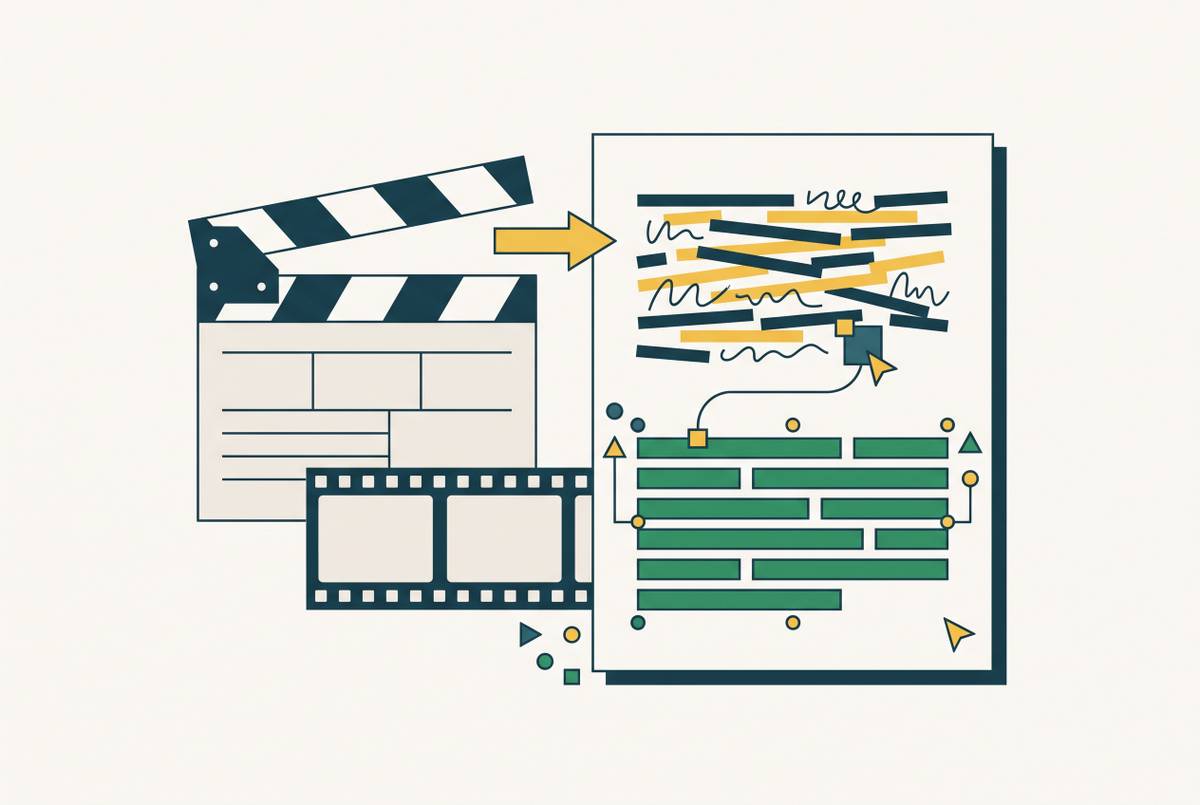
In practice, that workflow runs in order. A team records or uploads a screen capture of the actual software. AI rewrites and tightens the script drawn from that recording. A lifelike voiceover gets applied on top. Automated zoom, captions, and branding get layered in. From that same source material, AI also generates a step-by-step written guide, so the video and the documentation come out of one process instead of two separate projects run by two separate teams.
Screen fidelity and sequence accuracy can't be solved by generative models alone, so that split has become a deliberate architectural choice. Teams that want both professional tutorials and real production speed are leaning into workflows that capture the real interface first, then apply AI only where it genuinely saves time, in rewriting scripts, generating narration, adding intelligent zooms, and polishing the visuals, while the recording itself stays the one authoritative visual record.
This setup removes two bottlenecks at once. One is the production expertise bottleneck: AI now handles the editing and polishing work that used to require a trained specialist. The other is the localization bottleneck: AI produces multilingual versions without building out separate production infrastructure for each language. Teams in customer education, learning and development, sales enablement, and product management can now put out professional tutorials on their own, without routing every project through a dedicated video team or an outside agency.
The clearest objection to this model is that it still requires screen recording, and recording at scale still takes coordination, discipline about keeping content current, and re-recording whenever the software changes. AI cuts the cost of everything around the recording, the scripting, the narration, the editing, the translation, so the ongoing cost of keeping a tutorial library current drops sharply. A library that takes days of production work to update per video will always fall behind a software team's release schedule. One that takes a few hours won't.
Deciding which tutorial content belongs in which layer
Making the hybrid model work comes down to one decision, repeated for each piece of tutorial content: does this require screen-accurate visuals, or can AI-generated visuals carry it. That decision has clear criteria behind it, and applying them consistently is what makes the difference between a tutorial library that works and one that quietly accumulates errors.
Screen recording is the right call whenever a tutorial walks someone through a specific software interface, whenever the viewer needs to replicate an exact sequence of clicks, field entries, or menu paths, whenever the interface changes often enough that version-specific accuracy matters, and whenever the content supports compliance, certification, or an audit where the accuracy has to be verifiable. AI-generated visuals fit better when the content is explaining a concept rather than demonstrating a procedure, when the visuals are illustrative rather than instructional, or when viewers aren't expected to replicate a specific interaction step by step. The production tooling, script generation, voiceover, captions, zoom, branding, documentation, and localization, applies to both categories equally, regardless of whether the visuals underneath came from a camera or a model.
Two tests make the routing decision concrete. The update cadence test asks whether the tutorial will need revising every time the software's interface changes; if so, it needs screen recording, because AI-generated visuals of an interface that no longer exists are just as wrong as a screenshot that's gone stale. The precision test asks whether a viewer who follows the tutorial exactly will land in the right place inside the actual software; if yes, it needs screen-accurate visuals, and if the content is teaching something that holds true across different versions of the interface, AI visuals can carry it fine.
Teams that run their tutorial library through these two tests tend to find that most of it, onboarding flows, feature walkthroughs, SOP demonstrations, support content, belongs in the screen recording category, with AI limited to handling production and localization.