Hybrid Production Models for Scaling Software Training Libraries
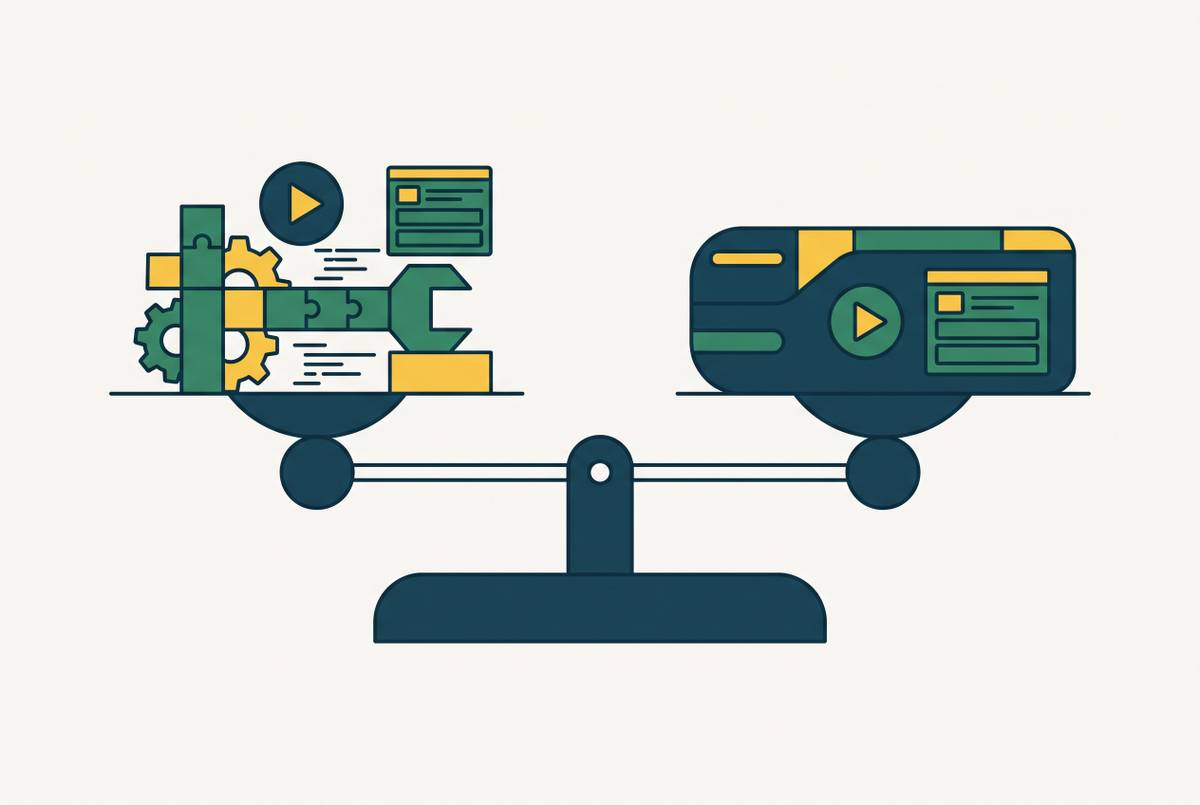
AI handles the repetitive work, humans keep the judgment calls that protect quality.
A software training library grows the moment a product ships fast enough to outrun the team documenting it. That's the actual bottleneck: the people who know the product aren't the people who make the videos, and the people who make the videos can't clone themselves. The fix isn't hiring more producers. It's splitting the work between AI and humans based on which parts of the job actually need a person's judgment and which parts are just repetition wearing a fancy job title.
What a hybrid production model actually means in a training context
Forget "blended learning." That term means something else, mixing live sessions with self-paced modules. Hybrid production is a different animal entirely: it's about who does what inside the actual making of a piece of content.
AI takes the tasks that are repetitive and mechanical: cleaning up a script, generating a voiceover, zooming into the right part of a screen recording, writing captions, formatting a document, producing a rough first-pass translation. Humans keep the tasks that require a real decision: setting the learning objective, catching an error before it reaches a customer, deciding what the brand voice sounds like, signing off on anything touching a legal or compliance question.
None of this removes people from the process. It removes people from the parts of the process where their judgment was never really being used in the first place. AI handles volume and repetition. Humans handle strategy and the gates that decide what's good enough to publish.
Teams that skip this split tend to land in one of two ditches. All-human production has a high ceiling on quality but a hard cap on how much it can produce, and it lives or dies on whether a couple of specialists stay employed. All-AI production with no human checkpoint moves fast but drifts: facts go stale, voice goes generic, nobody notices until a customer does. Speed and quality aren't actually a tradeoff once the roles are assigned correctly. They only look like a tradeoff when one side is doing a job it was never built for.
Which content types belong to AI, which belong to humans, and which need both
Not every training asset carries the same risk if it's wrong. A walkthrough showing where to click in a settings menu and a compliance module explaining a legal obligation don't belong in the same production lane, and treating them the same is where most hybrid models fall apart.
Content that's procedural, low-stakes, and repeats a pattern belongs with AI first:
- Software walkthroughs and click-path tutorials
- Standard operating procedures built from a screen recording
- Feature update videos triggered by a product release
- How-to articles pulled from patterns in support tickets
Content where a mistake has real consequences stays human-led:
- Compliance and regulatory training, where an error carries legal weight
- Customer-facing onboarding that has to sound like the brand, not like a template
- Certification curriculum and the design of the assessment behind it
- Enterprise sales content that needs real product nuance, not a generic script
Then there's the middle ground, where AI drafts and a person finishes the job. Multilingual versions of an existing module get a first-draft translation from AI, and a native speaker reviews it only where the content is high-stakes enough to justify the time. A raw recording gets cleaned into a script by AI, and a human checks that the instructional logic actually holds up. Documentation and video get generated together from a single capture, and a person checks that nothing important got left out.
The heuristic underneath all of it is simple: the worse it gets if a learner acts on wrong information, the more human eyes that content needs before it goes live.
The production workflow: how AI and humans hand off across a single piece of content
Picture a single video moving through six stages, starting the moment a subject matter expert opens their screen and starts clicking.
Capture. No script, no lighting setup, no separate production meeting. The expert records the workflow they already know how to do, and screen-capture software follows along as it happens.
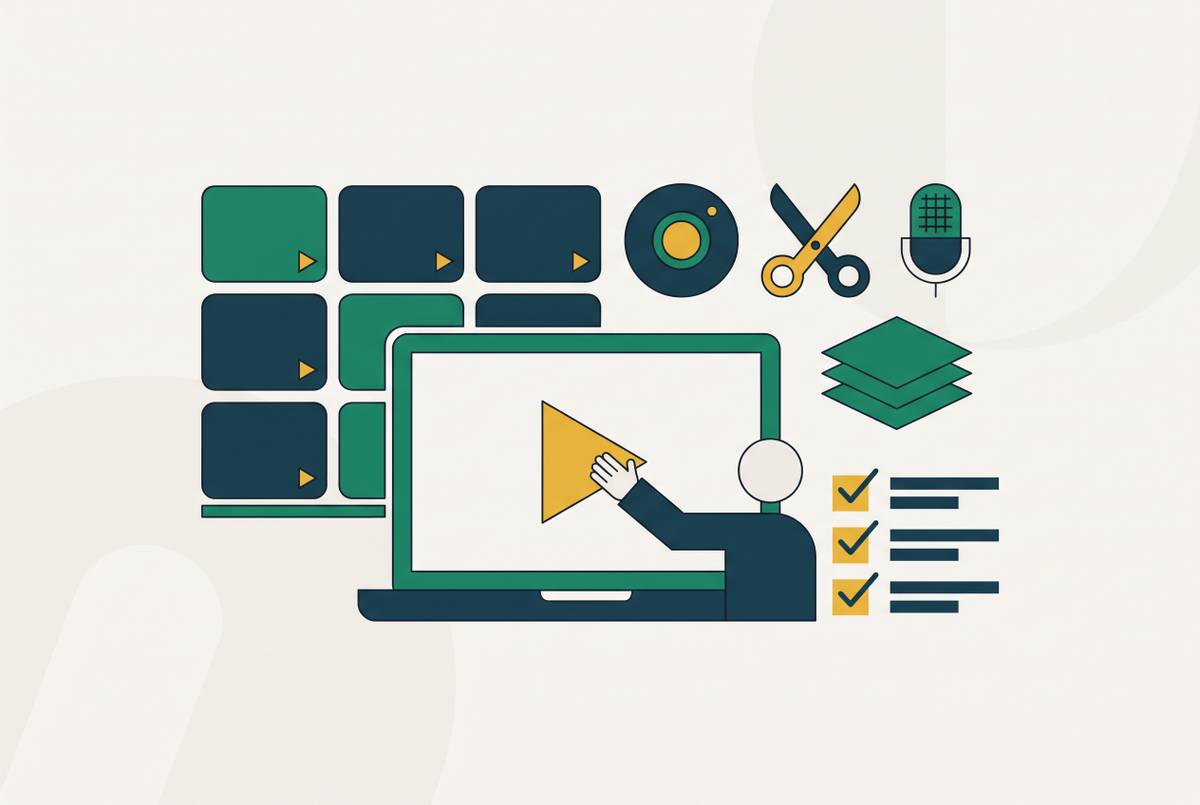
AI processing. From that one recording, the platform generates outputs that can include a script, a voiceover, captions, and a written SOP or how-to article, depending on the tool in use.
Human review. This is the first real checkpoint. A subject matter expert or instructional designer checks the AI's output for accuracy, for whether the instructional logic makes sense, and for whether it sounds like the company. Scripts get edited. Voiceovers get regenerated if they land wrong.
Brand and format finalization. Templates get applied. Sensitive parts of the screen get blurred out. Captions and formatting get a final pass.
Localization. For a global audience, AI produces a first-draft translation. A native speaker only gets pulled in when the content is high-stakes enough to need it, not as a default step on every asset.
Publish. Video and documentation go out together, SCORM compliance gets confirmed for the LMS, and analytics tracking turns on.
The two moments that matter most are the review gate after AI generates the draft and the final approval before anything ships. Everything else moves fast enough that production stops being the constraint at all. And running video and documentation off the same recording, instead of treating them as two separate jobs, removes the need to start a second production cycle from scratch.
Tooling that supports the hybrid model across the production stack
The stack breaks into a few distinct categories, and picking the wrong one often means picking a tool built for a job that isn't the one in front of you.
Screen-capture-to-video and documentation tools are where most software training content starts. These platforms, like Clueso, record clicks and interactions directly, then generate voiceover and step-by-step instructions from that recording, sometimes with a large library of AI voices across multiple languages built in. This category is built for speed and self-serve creation, which matters most for the AI-primary content types.
AI avatar and voiceover platforms fit presenter-style content, where there's no screen recording to work from, just a message that needs a face and a voice. Some platforms in this space lean toward realism and lip-sync quality; others are built around updating content quickly without re-recording anything, which matters a lot for training content tied to a product that changes often.
Document-to-video conversion tools solve a different problem: a company that already has manuals, SOPs, or slide decks and needs those turned into video without starting from a blank screen recording.
SOP and training hub platforms bring governance into the picture directly, with role-based training assignments, audit logs, approval chains, and compliance tracking built around the SOP itself rather than the video.
Full learning authoring environments go further, embedding video creation into a broader authoring tool where a timeline editor, quizzes, and interactive scenarios live side by side, often with AI avatars and voiceovers across dozens of languages and one-click translation across even more.
Browser-based editing tools with collaboration features round out the stack for teams where more than one person needs to touch a video before it ships, with subtitle generation, background removal, and automatic translation and dubbing built in.
Whatever gets picked, four questions decide whether it fits the hybrid model: does it support SCORM and plug into the LMS already in use, does it generate documentation and video from the same source or force two separate workflows, how many languages does it actually support and is human review built into that translation step, and does it report back completion rates and knowledge gaps without someone building a spreadsheet by hand.
Scaling the library without scaling headcount: the governance layer the model requires
A handful of videos can survive on informal review, someone glancing over a script before it goes out. A library running into the hundreds can't. At that scale, governance is the thing standing between a system that scales and a pile of outdated content nobody notices until a customer complains.
Three mechanisms hold that governance up.
Every module needs a named owner, someone accountable for accuracy both at the moment of review and again when the underlying product changes. Without that, content goes orphaned: nobody's watching it, and it quietly goes stale.
Updates need a trigger, not a memory. A product release or a process change should automatically flag the content tied to it for regeneration, rather than relying on someone remembering that a screenshot from eight months ago no longer matches the interface.
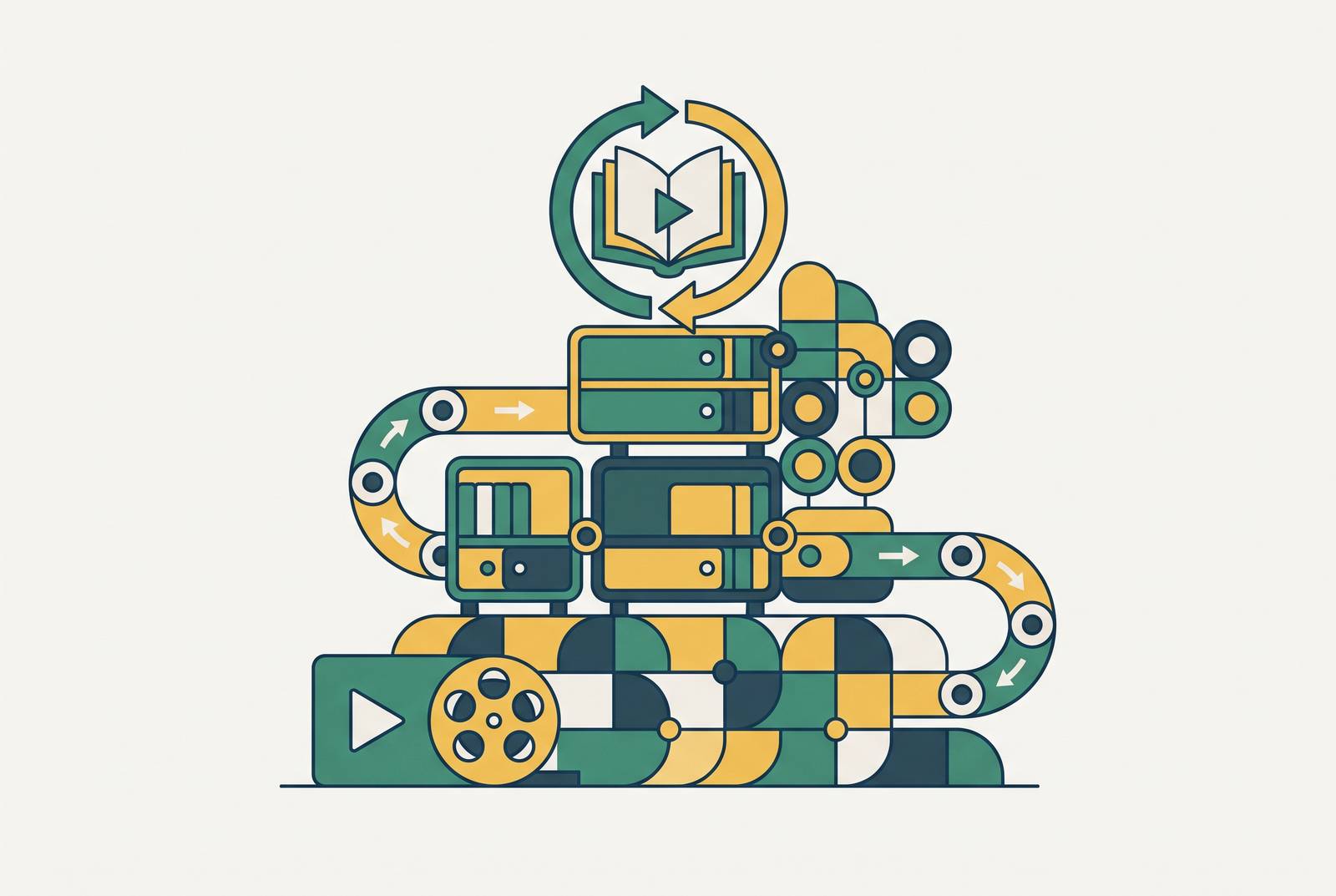
And content needs to be treated as a living asset that gets versioned and updated, not a deliverable that's finished the day it's published. That's what lets AI regenerate a video when something changes instead of a team starting from a blank recording all over again.
The organizations building this governance now are the ones who'll be ahead of the backlog later. The ones who wait are inheriting a bigger pile of outdated content with each release cycle that passes. And once governance is in place, production stops needing to sit with one central team. Customer support, product, L&D, and sales enablement can each produce content in their own domain, because governance is what keeps it consistent, not a bottleneck of people approving everything by hand. Training content works best when it's treated like any other piece of business content living inside the tools a team already uses, not exiled to a separate video platform nobody opens unless they have to.
Multilingual libraries and the localization decision inside the hybrid model
A training library that only exists in one language isn't really global, it's just been translated poorly by omission. The consequence shows up in how fast people adopt a new tool and how long they stay in the job at all, and it shows up worse for anyone whose first language isn't the one the training was written in.
Multilingual onboarding done well changes both of those numbers. Employees who get trained in their own language pick up new tools faster and stick around longer, and companies that put real effort into multilingual training see engagement rise noticeably in their international offices.
The hybrid model handles this the same way it handles everything else: AI generates a first-draft translation, sometimes across dozens of languages in a single pass, and a native speaker only reviews it where the content is regulated or otherwise too high-stakes to leave unchecked. Nobody's paying a translator to review every single asset in the library, and nobody's shipping regulated content in a language nobody on the team actually reads fluently.
Worth saying plainly: translation by itself isn't localization. A workflow that makes sense in one country might not map onto how a team in another country actually operates, and a good localization plan accounts for that difference, not just the vocabulary. That's a decision that belongs in the initial production workflow, at the same point translation happens, not a project bolted on after the fact. Retrofitting localization onto a library that was never built for it costs far more than building it in from the first recording.
How to measure whether the hybrid model is working
Three different audiences care about three different numbers, and none of them are optional if the point is to prove the model earns its keep.
Production efficiency is the easiest to track: how long does it take from the moment someone hits record to the moment content is live, how many videos and documents does each person on the team produce in a month, and how does the cost per finished piece compare to what traditional production used to run. Traditional training video production has historically run into thousands of dollars per finished minute, which is exactly why this model exists in the first place.
Learning outcomes come next: completion rates, and whether people actually retain what they watched. Video-based training tends to outperform text-only material by a wide margin on retention, which matters more than it sounds like it should, since a training library that nobody remembers isn't really training anyone.
Business impact is the number that gets a budget approved: fewer support tickets after a training video goes live, less churn during onboarding when the education behind a product is actually good. Smooth onboarding keeps customers around longer, and strong education content cuts onboarding-related churn by a real, measurable margin.
Analytics built into the video platform itself, tracking completion, engagement, and where knowledge gaps show up, should be doing this reporting automatically. If someone on the team is still building these numbers by hand every quarter, that's a sign the tooling isn't finished yet, not that the model doesn't work.