Current Limitations of AI in Multi-Scene Software Demo Video Production
Stitching separate AI generations into coherent demos exposes hidden continuity problems.
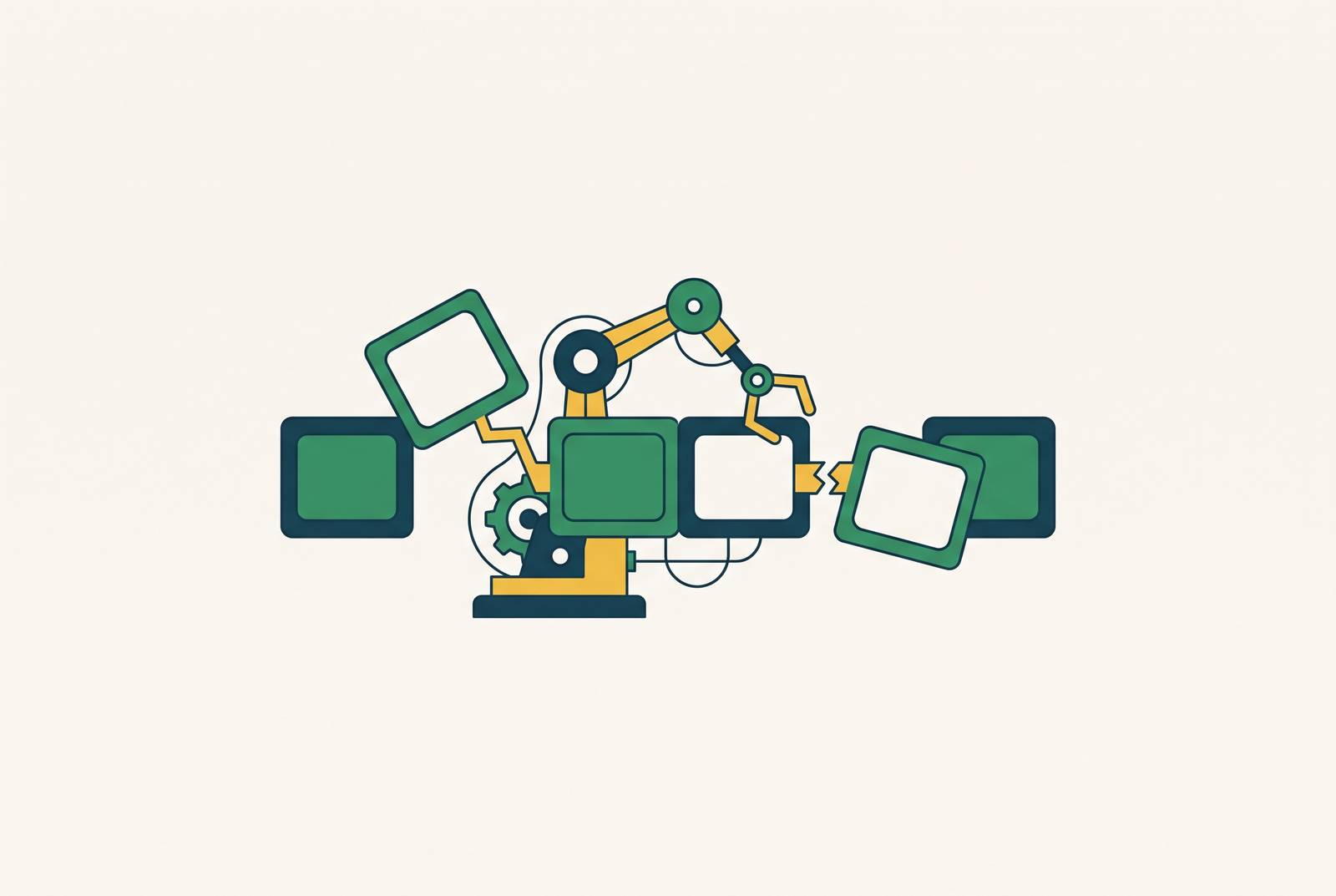
A software demo that runs 90 seconds or three minutes is never just one AI generation. It's a sequence of separate generations stitched together, and the whole thing has to read as one coherent piece. So it's the structure, not model quality, that causes nearly every problem teams run into when they try to produce multi-scene demos with AI. A team can watch its own demo back and notice, on the fourth clip, that the presenter's jacket has gone from navy to black. By the seventh clip, the whole sequence feels like it was shot on a different day, with a different person, in a different building.
Multi-scene demos expose continuity problems that single-clip AI generation hides
Most of what gets shown off in AI video demos is a single clip: one generation, one showreel moment, judged on how impressive that ten-second burst looks. That kind of benchmark tells a team nothing about whether the same output can be produced twice, matched to a second clip, or cut together into something longer. A software walkthrough demands things that generic video content doesn't. The same person has to click the same button the same way across multiple shots. The interface on screen has to stay legible and stable from one frame to the next. The brand, the logo, the color scheme, the fonts, all of it has to hold from the opening shot to the final call to action.
Each of those requirements is its own point of failure, and the failures stack. A character's face might hold steady for two clips and then shift on the third. A button label might render clean in one shot and garble in the next. By the time a team reaches the fourth or fifth clip in a sequence, these small drifts add up to something a viewer notices without even trying. A team evaluating AI video tools doesn't need to know if the generator can make one clip look great. It's whether the generator can produce the same shot, accurately, over and over, in a form that survives review, revision, and an actual publish date.
This is exactly the problem that pushes teams toward anchoring production in something other than pure generation. A software demo is a sequence of generations that has to read as one coherent piece, so tools like Clueso build their workflow around step-by-step structure. Treating the demo and its documentation as a single artifact gives a team one source of truth for what the software actually does and how it flows, and that continuity problems appear in this shared view before they turn into hours of rework.
Stateless generation and its effects: character drift, UI instability, and brand incoherence
Every new AI generation starts from nothing. The model has no memory of what the character wore in the last clip, what the lighting looked like, or what shade of blue the brand uses. Each generation samples fresh from a distribution rather than pulling a stored, fixed identity out of memory, which is simply how the architecture works. Drift across a multi-scene sequence is the expected outcome of that design, not an occasional glitch.
Character consistency breaks down first and most visibly. The same person can come out looking meaningfully different between clips: a different face shape, a different shirt, a missing accessory, slightly off proportions. These are documented, common failure patterns; a team didn't just get unlucky on a rare edge case.
UI text rendering breaks down in a way that matters even more for software demos specifically. Button labels, menu text, and input fields are the instructions in a product walkthrough, not decoration. AI models can't render that kind of text reliably across frames or scenes, so letters shift, words blur, or labels change from shot to shot. Because of this, commercial text, packaging, logos, captions, and UI elements all need to be treated as post-production assets added after generation, never trusted to the generation step itself. Every software demo built this way needs a manual graphics layer. That's not optional polish; it's a required stage of the pipeline.
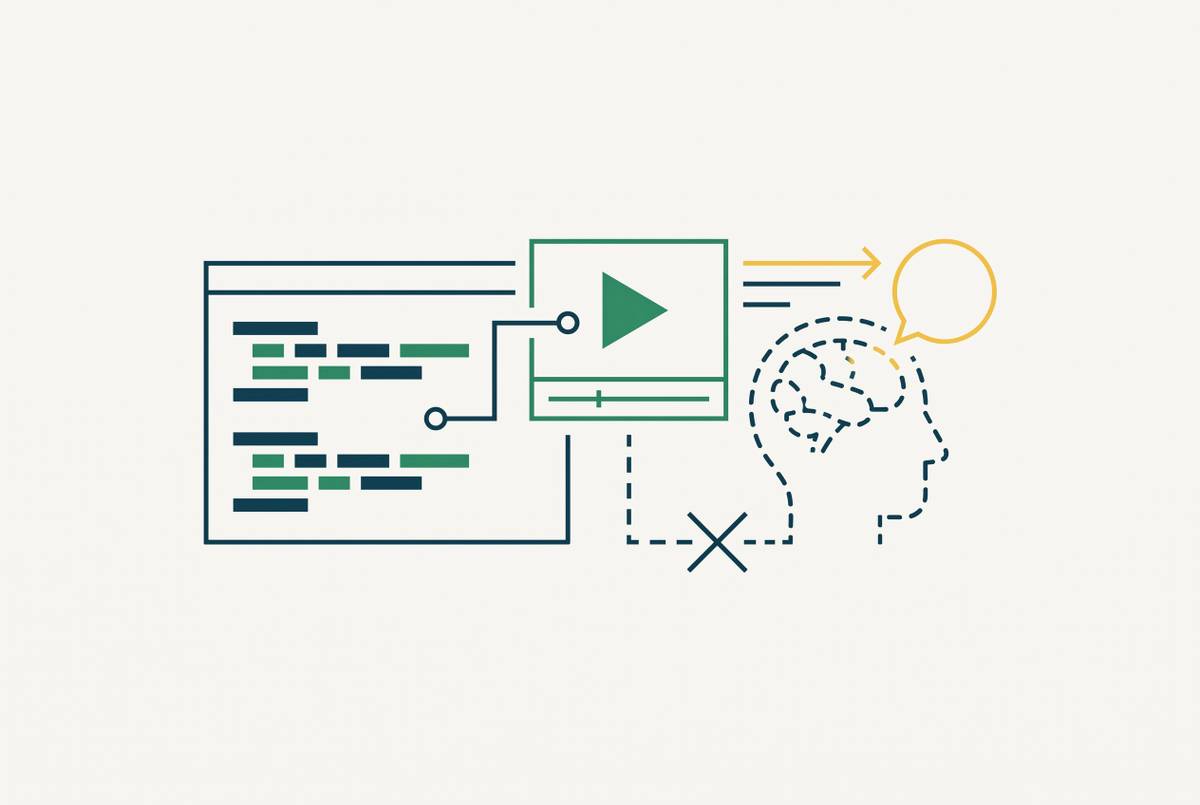
AI can't be trusted to render UI text accurately, so the practical answer is to keep the actual interface out of the generation process. That's part of why screen-recording-based approaches, which capture the real software UI and let AI handle narration, pacing, and visual polish around it, sidestep unreliable UI text rendering by keeping generation away from the text itself.
Human-product interaction is where AI generation shows its rough edges most visibly. Clicks, cursor movement, a finger landing precisely on a button: this is the communicative core of any walkthrough. AI-generated video produces obvious artifacts right at these exact moments, fingers melting into surfaces, grips that don't make physical sense, objects that float where a hand should be holding them. These failures land exactly where a demo most needs to be clear.
Brand elements drift too. Logos shift shape slightly, color palettes shift saturation, typography changes between scenes. Fixing that requires a correction pass in post-production, a step that's rarely priced into the original generation budget. Backgrounds and camera movement add a final layer of instability: backgrounds can warp between shots, and a requested camera move doesn't always track the way it was asked to. When a team cuts all these clips together, every one of these small failures becomes visible at once.
Duration ceilings make the continuity problem worse as demo length increases
Most AI video generation tools only support short clip durations, so you can't get a 90-second software demo from one generation. It has to come from many, and every one of those generations is a new seam where continuity can break. The shorter the ceiling, the more seams a given demo needs.
An 8-second duration ceiling means any scene lasting longer than 8 seconds has to be built from multiple chained generations just to cover that single scene. A model with a 15-second ceiling cuts that seam count roughly in half for a 60-second demo compared to a model with an 8-second ceiling. The seam count is the number of places where a character's face, an outfit, or a brand color can drift before the final cut is assembled.
More clips mean more seams, and more seams mean more chances for lighting, character details, and brand elements to shift out of sync. The problem doesn't grow at the same rate as the clip count. It compounds, because each new seam carries forward the drift that already built up at the seam before it.
Audio adds its own failure mode on top of the visual one. Lipsync, ambient sound, and Foley coherence all degrade at clip boundaries, so a team usually needs separate audio production work layered on top of the video generation to get professional-sounding audio across a multi-scene demo.
Iteration cost, not generation cost, as where AI demo production budgets break
The per-second price of AI video generation can look cheap on a spec sheet. That price only tells half the story, because it doesn't include the regeneration loop that continuity failures force a team into. Go back to the jacket that changed color between clip four and clip five. Fixing that isn't a quick patch. A team has to regenerate the clip, and every regeneration costs the same as the original generation did. At real production volume, a cheap model that needs five attempts to get one usable clip can end up costing more than an expensive model that gets it right the first time.
Wrong lighting, a drifted outfit, a character who doesn't match the one two clips earlier: each of these misses costs exactly as much to fix as the original shot cost to make. That math is brutal at scale. So a team producing ten demos a month isn't paying for ten generations; it's paying for however many regenerations it takes to get ten usable ones.
Human review has to sit in that loop no matter what. A generated clip needs to be treated as a candidate take, not as approved footage, because a clip can look convincing on first viewing and still be unusable once someone checks it against the rest of the sequence or the product it's supposed to represent.
The SaaS update cycle makes all of this worse over time, not just at launch. Every time a feature changes, the demo that shows that feature has to be re-recorded, and the entire multi-scene continuity problem starts over from the beginning. AI generation speeds up the first pass at a demo. It hasn't solved the need to refresh the demo after every product update that follows.
Storyboard-first and multi-model workarounds: reducing but not eliminating continuity risk
Two workflow practices have become the standard way to reduce continuity failures: planning with a storyboard before generating video, and routing different shots to different models depending on what each one does best. Both genuinely help. Neither removes the underlying risk.
With storyboard-first planning, you generate static frames with a cheap image model before you commit to full video generation. That locks in composition, lighting, and character appearance before any of the more expensive per-second video costs get spent. Most failed AI video generations fail because the prompt alone was treated as the full spec. A storyboard moves those visual decisions out of the video generation step entirely, so the model has less room to improvise and drift.
Reference inputs push this further. A model that can take in multiple reference images and video clips can lock down more of the spec before it starts generating: character appearance, camera framing, color palette. If a team feeds a model nine reference images along with video clips and audio files, that locks down most of the spec in advance, while a single reference image leaves character look, lighting, and style mostly up to chance.
Multi-model orchestration adds another layer of control. Routing different shots to different engines based on strengths, one model for dialogue coherence, another for cinematic look, another for compositing, can produce a better result per scene than forcing one model to do everything. This kind of mixed workflow has become the standard approach, with different models each handling a different part of the same finished video.
None of this removes the ceiling on what these workarounds can guarantee. Reference images improve consistency; they don't guarantee that a character looks identical across every shot, that a requested camera move executes exactly as asked, or that a result can be reproduced on demand. For a series or a longer narrative, the practical approach is to work in short units, approve a look before expanding it, and build the final edit from clips that actually match each other, rather than expecting every clip to snap into a storyboard with the precision of a filmed production. That last part is really an admission: a human still has to make editorial judgment calls at every seam, no matter how good the storyboard was. Running multiple models by hand is also its own operational cost. Different tools mean different interfaces, different prompt formats, different aspect ratios, different output settings, and a team needs a standardized post-production pipeline just to normalize all that footage before editing can even start.
The credibility ceiling AI-generated demo content hits with buyers and end users
Even a demo with continuity tight enough to pass internal review can run into a separate problem once it reaches an actual prospect: trust. In a prospect-facing demo, the realism of the presenter and the credibility of the product interaction are doing real persuasive work, and AI avatars currently work against that.
AI presenters have gotten noticeably better, but in a longer video, or one meant to land emotionally, they can come across as overly polished, flat in affect, or just slightly off in a way viewers register without being able to name. That tolerance isn't the same across every use case. An internal training video can absorb a stiff AI presenter without much cost. A sales demo aimed at a prospect cannot absorb it the same way, because buyer trust is the entire point of that video.
For SaaS teams, the practical line falls here: avatar-based AI video fits informational and training content well, and it fits brand storytelling or prospect-facing product demos poorly, because buyer trust is the variable the whole demo is trying to win.
UI accuracy raises the stakes on this same problem. If a prospect notices a button label shift mid-demo, or a menu item render wrong, they don't just lose confidence in the video. The prospect loses confidence in the product itself. A continuity failure that would be a minor annoyance in a training video becomes a credibility problem in a sales context, because the cost of looking sloppy is higher when someone's deciding whether to buy.
A practical hybrid workflow for SaaS teams producing demos at scale
Teams that produce professional software demos at real speed don't trust AI generation to handle continuity on its own. They're using AI to strip out the tedious production work while keeping a human in charge of every decision where continuity and trust are actually on the line.
The division of labor that holds up in practice looks like this: AI handles script cleanup and rewriting, voiceover generation, caption placement, smart zoom on UI interactions, and translation into other languages, the repeatable, high-volume work that doesn't need a human judgment call each time. Humans keep control of shot sequencing, UI accuracy review, and brand consistency checks at every seam, and they sign off on any frame where you need a product interaction to understand the software.
Screen-recording-based workflows sidestep the UI text and human-interaction problems by keeping the real interface in front of the camera. Real screen capture of actual software is accurate by definition, since no generation step has to guess what the button says. AI then adds value around that real footage, improving pacing, voice, and visual polish, instead of trying to generate interface elements it can't reliably render.
AI-assisted documentation produced alongside the video closes the update-cycle gap that pure generation never solved. When a feature changes, the team revises the written guide and re-records the video from the same screen capture workflow, so nobody has to rebuild continuity from the ground up each time. Localization scales the same way: one-click translation of voiceover and captions lets a single well-made demo reach audiences in other languages without re-triggering the continuity problem for every new version. A SaaS team shouldn't have to run localization as its own separate production project.
Clueso's workflow is one example of this division working in practice: raw screen recordings get AI-rewritten scripts, generated voiceovers, smart zoom, and captions layered on top, while the UI accuracy of the original recording stays untouched. UI accuracy and character continuity never break down in the first place, because the source footage was real to begin with.
That points to a straightforward test for any team evaluating a tool for this job: does it ask you to trust AI generation for UI accuracy and character continuity, or does it let real screen capture stay the source of truth, with AI applied only where it reliably helps?