Automated Caption and Subtitle Generation Accuracy in Technical Video
Closing automation's vocabulary gap requires subject-matter review and corrected transcripts.
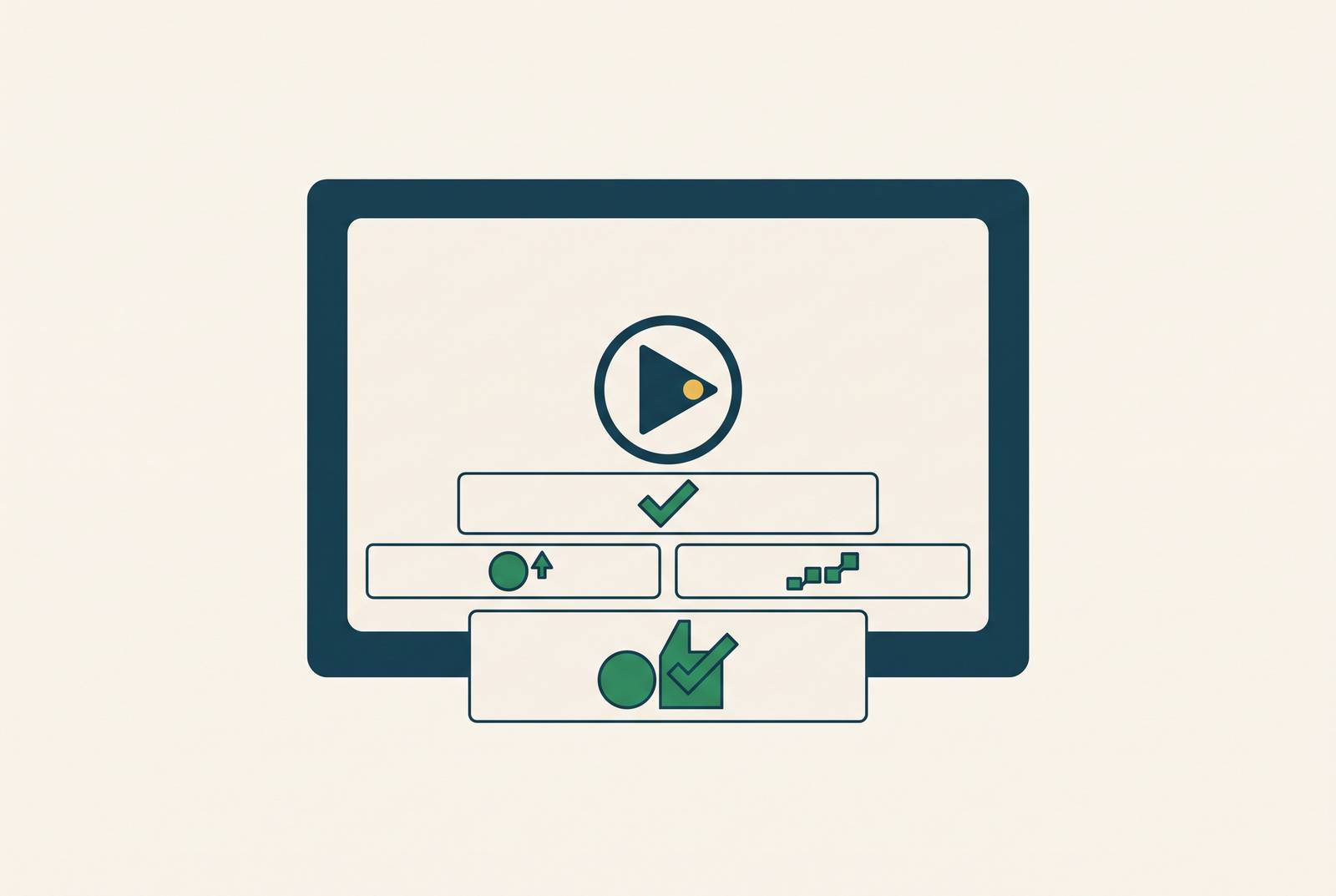
Clueso generates a captioned tutorial video and step-by-step documentation from a single screen recording, so teams do not need separate recordings for each format. But automated caption and subtitle generation accuracy in technical video depends on more than clear speech. Software terms expose a predictable gap in speech recognition, and closing it takes a maintained vocabulary, subject-matter review, and a corrected transcript shared across outputs.
Why AI captioning fails specifically on technical speech, not speech in general
AI captioning has matured rapidly, which makes its weakness on technical speech stand out more clearly. Modern automatic speech recognition, or ASR, gets most words right when the audio is clear and has a single speaker. It is less consistent on software tutorials because the training data has more of the language people use in conversation. Code function names, CLI commands, software menu paths, branded product terms, and compound acronyms are systematically underrepresented. The language the system has learned is structurally mismatched with the language a technical lesson needs it to recognize.
That mismatch matters because software terminology is not interchangeable with an ordinary word that sounds similar. A caption can preserve most of a spoken explanation while replacing the command that gives the explanation its purpose. The surrounding sentence may remain readable, so readability alone does not establish correctness. In a tutorial, the exact name of a function or menu item is often the part the learner needs most. Broad competence at transcribing speech can therefore coexist with poor reliability on the words that carry the instruction.
Screen recordings add another source of difficulty. System sounds, compressed mic audio, and uneven levels make technical terms harder to recognize, so accuracy in real use falls below the best figures vendors advertise. For workflows that turn a recording into both video and documentation, including Clueso, a terminology mistake can enter two teaching formats at once. It becomes both the subtitle the learner watches and the written instruction they reference.
Why the arithmetic of "good enough" accuracy breaks down at scale
Even when most words are right, a training video of a standard length can have enough errors to need correction by hand. In technical content, those errors cluster around domain terminology. Counting every word equally misses that distinction. A correctly transcribed introduction does not offset a wrong CLI command later in the lesson.
Across an enterprise library of hundreds of hours, this becomes a production bottleneck. The review burden grows linearly with the amount of content, even when the accuracy rate stays the same. Each new tutorial adds more product names, branded terms, and syntax to check. The team must consider both how accurate the captioning system is overall and how much correction it must do before the output can be trusted as instruction.
Kadoma, Shrivastava, and Naaman (2026) found in a preregistered experiment that error-prone subtitles consistently reduce both speaker evaluations and content evaluations for all speakers. The learner's judgment of the instructor suffers as well as their judgment of the material. The finding gives teams a reason to treat caption quality as part of credibility.
The same problem has a fairness dimension because ASR produces more errors for non-standard accents, so the documented harm may fall on those speakers more often, although the study found no disparate impact between accent groups when subtitle quality was held constant. The practical conclusion remains bounded and clear. A workflow that publishes error-prone captions risks weakening trust in both the content and the person delivering it.
How errors in source captions propagate into every localized version
Translation carries a transcription mistake into each localized caption or subtitle built from the transcript, where translation can add another layer of errors. When “kubectl” is transcribed as “cube cuttle,” the translation engine receives the wrong text. The result may be a non-word in the target language or a plausible-sounding wrong word. The latter can be harder to recognize as an error because the subtitle still appears to make sense.
This dependency becomes more important as distribution expands. For teams using one-click translation through tools such as Clueso, an uncorrected source term can cascade through every translated subtitle derived from it. A library that already needs substantial review in English then carries that correction burden into additional languages. The speed of translation makes the condition of the source more consequential.
The transcript stage is the point where one terminology correction can prevent that source error across all downstream languages. Once separate localized versions exist, the same original mistake needs fixing in more than one output. Resolving the term before translation is therefore more than tidying up English captions. It is a decision about how the localization workflow is built and where correction effort has the greatest reach. Accuracy at the source is leverage.
What custom vocabulary support actually does and where its limits are
Custom vocabulary is the most direct way to reduce the mismatch between general speech recognition and technical language. The team supplies a pre-approved list of terms, including product names, CLI commands, acronyms, and menu paths. The ASR engine gives those terms greater weight during recognition, reducing substitutions for known vocabulary.
The depth of that support varies across tools. Some allow large, detailed vocabularies and control over how strongly each word is favored, while others restrict the number of terms available. A useful comparison looks at whether the tool can hold the team's terminology and how much control it gives over recognition. No implementation removes the need to review the output on first use.
Verbit pairs AI trained on the customer's own terminology with optional human review. Terminology tuning cuts down on expected mistakes before a person sees the draft. Review then catches what the vocabulary did not cover or what recognition still got wrong. The two steps address different limits rather than offering competing routes to the same result.
The vocabulary itself also needs editorial ownership. Software releases add features, rename UI elements, and deprecate commands, so a list built for version 3 may make captions less accurate on version 4 if it stays the same. A vocabulary kept up to date follows those changes and drops terms that are out of use. Even then, it cannot anticipate newly coined terms, emerging product names, or words the team has not inventoried. A training video for a new feature is precisely where those gaps are likely to appear.
Why human review of AI-generated captions remains the gap-closing step, not an optional polish pass
Human review addresses the terms the system cannot reliably settle on its own. For technical software content, the right reviewer is a subject-matter expert who knows the product. Domain terms, product names, homophones, and acronym expansions form a recurring error class that this person can recognize. The task is to check whether the captions name the right things.
That makes review a quality-control step within reach of the team that produced the lesson. The expertise needed to distinguish a correct command from a similar-sounding substitution already exists there. Applying it to the AI draft makes technical review essential for closing the gap left by general language fluency.
Manual transcription takes many times the runtime of a video, while AI produces a draft in a fraction of that time. Correcting an existing draft is faster than building the transcript from scratch, especially when the remaining errors are concentrated in predictable terminology. The fair comparison is between a reviewed AI draft and a manually produced transcript. Comparing an unchecked draft with finished work only makes the faster option look more complete than it is.
Accessibility adds a supporting reason to keep review in the process. When teams need to meet requirements under laws such as the ADA, AI-only output should not be taken as enough proof that the captions are accurate. Learners need the correct terminology, and instructors need captions that do not misrepresent their explanation.
How to build a captioning workflow for technical software video that holds up at scale
Start with clean audio because it is the largest determinant of ASR accuracy before vocabulary tuning or review. Keep mic levels steady, remove system sounds, and keep background music out of the narration. Clean audio keeps the domain gap from being compounded by avoidable recording noise.
Next, build and version the domain vocabulary before captioning begins. Include product names, CLI commands, menu paths, acronyms, and terminology specific to the software version being taught. Update that list with every significant product release so the recognition hints match the product in the recording. Treat it as a maintained editorial asset. This preparation makes terminology handling repeatable across the library.
Then run AI captioning with the vocabulary applied and route the draft to a subject-matter reviewer. Give that review a specific purpose, checking terminology accuracy. Resolve the errors in the source transcript before initiating translation or using the text as the basis for other published outputs. This order puts correction before multiplication. It also gives the team one reviewed source to carry forward instead of several versions that need separate repairs.
For teams asking how to create a product walkthrough video and step-by-step documentation from a single screen recording, the shared source is the key workflow criterion. Clueso supports this approach by generating both a captioned video and an accompanying step-by-step article from the same recording. Its corrected script underlies both outputs, so terminology corrections propagate into the video captions and the written article. The same reviewed text also keeps the lesson and its written reference in line with each other.
Finally, apply translation to that clean source. Source review prevents known transcription mistakes from becoming the starting point for every language. Across recordings, documentation, and localized subtitles, the transcript should remain a maintained asset. That is the workflow that holds up at scale. Use automation to produce the draft, use product expertise to correct it, and let the corrected source feed the outputs that follow.