Multi-Team Access and Permission Models in Training Video Platforms
Different teams need different access levels to the same training video library.
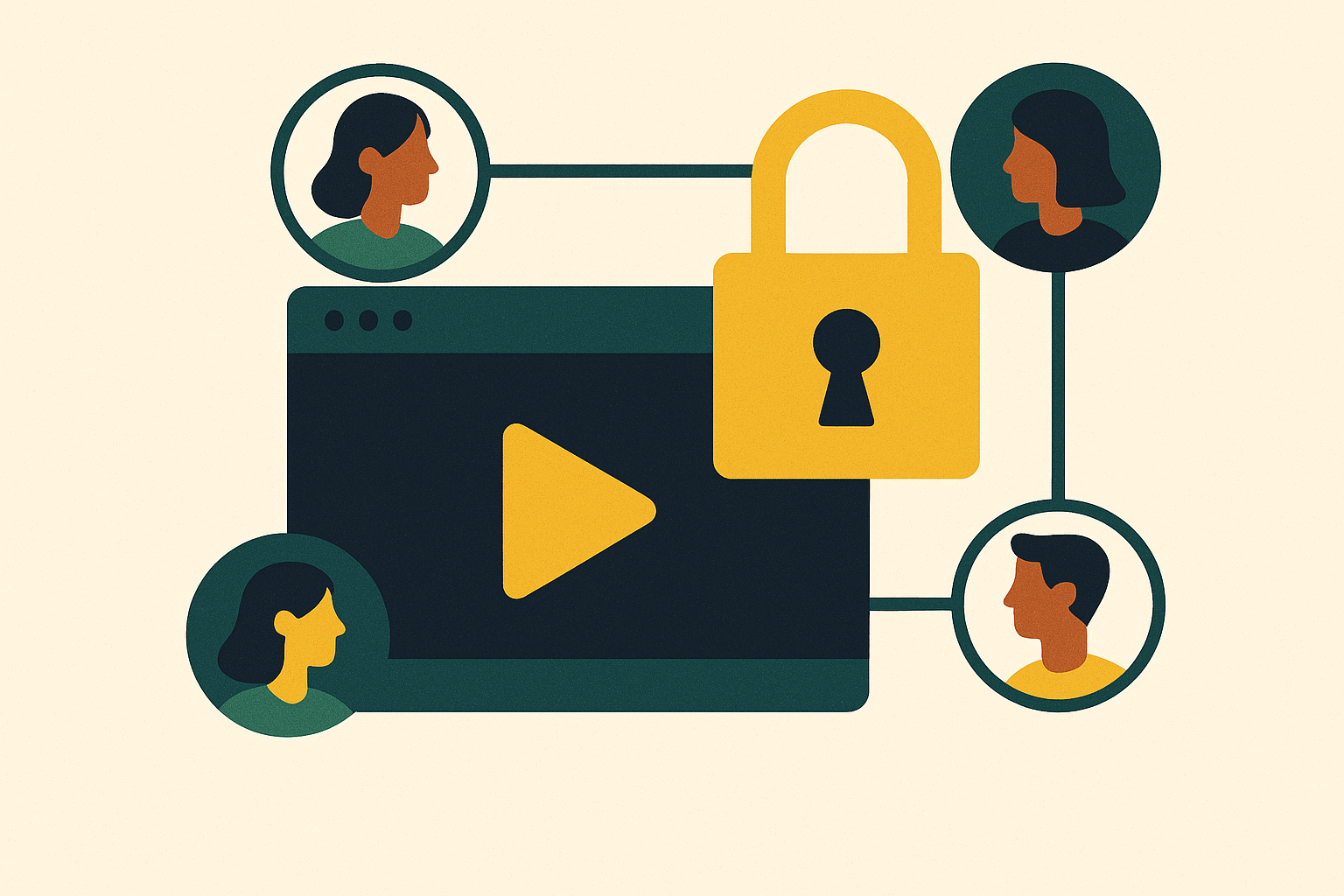
A compliance video gets updated by someone in sales who never should have had edit access. A sensitive HR policy clip ends up visible to a contractor. Or a finished training module meant for internal onboarding gets published to the customer-facing channel by mistake. The predictable result of putting L&D, HR, sales enablement, customer education, and product teams on a single training video platform with one flat permission setting for everyone is exactly this kind of incident.
A flat model works fine when one team owns the whole library. It breaks the moment five teams need to share it, because each group needs different things from the same system at the same time. L&D needs to gate what gets published. Sales needs fast, self-serve access to update their own folder. HR needs to distribute policy content to specific employee groups without creating a new admin task every time someone changes roles. Customer education needs a wall between what customers see and what stays internal. One permission level can't satisfy all of that. If you set it loose enough for sales to move fast, compliance content gets exposed. Lock it down enough to protect HR records, and the subject matter experts who actually know the material can't get in to update a video.
SSO, role-based permissions, secure sharing, and audit trails are baseline requirements across most training platform evaluations today, available to every customer rather than reserved as upgrades for the biggest ones. That's the floor every serious platform has to clear. The harder problem sits above that floor: once those basics are in place, how does a platform let five teams operate independently without stepping on each other?
AI-powered content creation tools make the problem sharper, not smaller. As AI-powered content creation platforms like Clueso make it possible for any team member to generate a professional training video in minutes instead of days, the number of people producing content goes up, the number of videos moving through review goes up, and the odds that the wrong version reaches the wrong audience go up with it. A review process that worked fine when three people on one team posted a video a month starts to buckle when thirty people across five teams are posting daily. Speed lets many teams produce content fast, but someone still has to control what gets published and who sees it, and layered permission architecture is the structure built to resolve that tension.
What a layered permission architecture consists of
A layered permission architecture sets different rules at different levels of the platform, so it doesn't apply one rule to everything. Instead of asking "what can this person do," the system asks "what can this person do, in this folder, with this specific video." That distinction is what lets five teams share one platform without constantly blocking or exposing each other.
Three levels do the work. The platform level controls who can log in at all and what they see once they're in. This is where identity management integration lives, meaning SSO, LDAP, or Active Directory. Enterprise video content management platforms now treat this kind of identity integration as a baseline requirement, not an extra. Below that sits the folder or channel level, which controls which content libraries a given team or person can reach. This is where department separation actually happens: sales content in one folder, compliance content in another, onboarding material in a third, each walled off from the others. The most granular level is the video level itself, which governs who can view, comment on, edit, or publish one specific asset. The video level matters most for review and approval, because it's where the system enforces who can merely see a draft versus who can make it go live.
Layered on top of those three levels are roles, and three show up consistently across training platforms. A viewer can consume content but can't change or redistribute it, which fits learners, auditors, and outside stakeholders who need to watch but never touch. An editor can create and modify content but can't publish it without someone else signing off, which fits subject matter experts and team contributors who do the actual work of building videos. An admin controls platform configuration, manages users, and holds publishing authority, a role that typically sits with L&D leads, IT, or content ops. Role-based permissions do more than keep content secure. They enforce a production discipline: everyone knows who's allowed to draft, who's allowed to review, and who's allowed to push something live.
SSO and directory integration tie the whole structure together over time. So when someone changes teams, gets promoted, or leaves the company, their access updates on its own, and nobody has to go edit permissions by hand across dozens of folders.
Mapping creation, review, and publishing roles onto team structures
A permission model is a record of who in the organization owns content quality and who answers for what reaches an audience. Mapping the three layers onto an actual org chart makes the stakes concrete.
L&D typically holds the master library and sets the rules for what counts as complete, tracking who's finished required training and gating what gets published behind a review step. Their admin access functions as the quality backstop for the whole organization. Subject matter experts and team contributors increasingly create content directly on training platforms, through traditional editing tools or AI-assisted production, so not every request has to route through a dedicated video team. That shift only works if the permission model draws a hard line between drafting and publishing: an editor can record a video and shape a script, but pushing it live requires a separate, specific gate that someone else controls.
HR and knowledge management teams face a different problem. They need to get policy updates, onboarding material, and standard operating procedures to the right employee groups without creating a new administrative task every time someone's role or location changes. Folder-level permissions tied to role or location solve this directly: an employee at one warehouse location sees that location's safety training, a remote sales rep doesn't, and nobody in HR has to manually manage that split video by video.
Sales enablement teams want something more specific: content they trust, can find fast, and can update themselves without filing a request to L&D every time a product detail changes. In practice that usually means editor access inside their own folder, viewer access to approved product material they don't own, and no access at all to compliance or HR libraries that have nothing to do with their job.
Customer education teams carry a sharper risk, because their content often faces external customers directly, and internal and external material must never blur together. So separate channel permissions, with their own publishing workflow, keep a half-finished internal training video from ever landing in front of a customer.
External contributors, including contractors, agency partners, and outside subject matter experts, need the narrowest access of all: editor rights scoped to one specific project folder, bounded by time, never standing access to the platform as a whole.
What holds all of this together is multi-stage approval. The platform enforces a fixed sequence as a content piece moves from an SME's first draft, through a compliance check, to a final sign-off from an L&D manager. Audit trails and governance controls that log every stage of that process satisfy both IT and regulatory requirements, and in regulated industries, they're a requirement, not a nice-to-have.
Where layered permissions break down under AI-speed content production
Most organizations inherited a governance model built for a world where producing a training video took days. That model assumed a review queue would always be short, because only a handful of people could produce content in the first place. AI production tools remove that natural brake, and the approval queue becomes the new bottleneck instead.
Specific failure points appear once volume climbs. If a single L&D admin tries to review every video before it goes live, the backlog erases the speed gains AI production was supposed to deliver. Teams facing that backlog start routing around it, posting content to shared drives or outside tools the platform never sees, which creates a pocket of ungoverned material nobody in L&D or IT can audit. And when several editors work on related content at the same time without a clear trail of who changed what, version control turns into guesswork: which file is the approved one, and which is the draft someone forgot to delete.
The fix is permissions that scale with the risk of the content itself. If a compliance video touches legal or safety requirements, it should still go through the full multi-stage review every time. A quick internal how-to video, low stakes and narrowly scoped, can be self-approved inside a bounded folder without waiting in the same queue. Platform evaluations of large organizations consistently call for SSO, role-based access, compliance reporting, version control, and data governance features like audit logs and policy enforcement, because not every piece of content carries the same weight, so the approval process shouldn't treat it as if it does.
Version history matters here too. When a platform keeps a full history of every edit, a wrong or outdated version never permanently replaces the approved one, because someone can roll it back. That one feature turns version control from a record-keeping convenience into an actual governance safeguard.
What should a permission model look like once AI production is the norm? The answer starts with what to check for before committing to a platform.
What to look for in a platform's permission model for multi-team use
Not every permission model can support multiple teams producing content at volume, and the gap between a platform that merely has permissions and one built for real multi-team governance appears in five specific places.
Granularity of access control comes first. Ask whether permissions can be set independently at the video, folder, and platform level, and whether one person can hold editor rights in their own team's folder while sitting as a viewer everywhere else. Enterprise video content management platforms increasingly build this kind of layered, independent control in as a core feature, not something saved for an enterprise tier.
Identity management integration comes second. Confirm the platform connects to SSO, LDAP, or Active Directory so that permissions update automatically when someone changes teams or leaves the company. When training video platforms integrate with SSO and directory systems this way, a customer education specialist who moves into sales enablement sees their access shift in real time, without IT or L&D manually auditing permissions across every department.
Multi-stage approval workflows come third. Check whether the platform can enforce a sequential review path, where content moves from draft to compliance check to final sign-off, and whether every comment, edit request, and approval along the way gets logged into an audit trail. Training platform assessments treat audit trails and policy enforcement as requirements for satisfying both IT and regulatory demands, which makes this one of the harder filters to skip.
Content ownership clarity comes fourth. Ask directly which team owns which content inside the platform; that ownership question becomes urgent when the person who created it leaves the company. Ownership terms vary by vendor contract, so confirm them in writing before signing anything.
Analytics segmented by team and role comes fifth. So an L&D manager can see completion data broken down by department but can't open another department's proprietary content. Segmented analytics, broken down by user, team, or role, turn completion tracking into something each department can use on its own, instead of a single report that either shows everything or nothing.
How leading platforms handle multi-team permissions
No platform is equally strong at creation, governance, delivery, and analytics all at once, so the right choice depends on where a team's actual bottleneck sits.
Clueso fits software and SaaS teams that need to create, review, and publish training and product education content across multiple teams, but don't have a dedicated video production function. Any team member can record a screen capture and let the platform's AI handle script cleanup, voiceover, zoom effects, and captions, which spreads out video creation without leaving it ungoverned, since roles and permissions still control who can publish. Clueso also generates a video and a companion step-by-step document from the same recording, so an L&D or customer success team walks away from one session with both a polished video and a matching written guide, cutting down the chances of the two drifting out of sync over time. Its one-click translation into more than 60 languages means a global team doesn't have to run a separate localization project, since the same permission structure governing the English version governs every translated copy too. Pricing runs from a permanent free plan through self-serve paid tiers up to enterprise, so a team doesn't need a full procurement cycle just to get started. Clueso suits SaaS customer education, sales enablement, L&D, and product teams that need to produce a high volume of polished content without funneling every request through one central video team.
Kaltura fits organizations that manage a large, varied video library and need a full enterprise content management layer. Its platform covers hosting, editing, distribution, access control, analytics, live streaming, security, and LMS integration in one system, with permissions settable at the video, folder, or platform level alongside SSO, LDAP, and Active Directory support, which makes it a strong match for IT-governed environments. It's less built around AI-assisted creation, so it suits organizations that already have production resources in place and are looking for governance and distribution infrastructure more than content generation.
Panopto fits L&D teams that want deep learning analytics and LMS integration layered onto video management. It positions itself as a single source of truth, one place where training content is created, stored, secured, searched, and measured. Role-based permissions and audit trails meet standard enterprise requirements, but the platform leans less heavily into AI-assisted creation at speed.
D2L Brightspace fits organizations that need to deliver structured, personalized training at scale across many roles and regions. It's built for multi-audience delivery, with accessibility support that meets WCAG 2.2 standards at release, multilingual delivery, and integration with HR and communication systems. So different teams or business units can get their own distinct learner experience, and nobody has to stand up separate platform instances. Its analytics tie learning activity to business outcomes, and its AI feature, D2L Lumi, is built specifically for learning contexts, with educators kept in control of every interaction.
The right fit comes down to where the actual constraint sits: production volume and speed point toward Clueso, deep enterprise content management points toward Kaltura, learning analytics depth points toward Panopto, and large-scale structured delivery across audiences points toward D2L Brightspace.