What Onboarding Video Producers Get Wrong When They Plan for a Living Product
Plan short, outcome-led videos with owners so updates are quick.
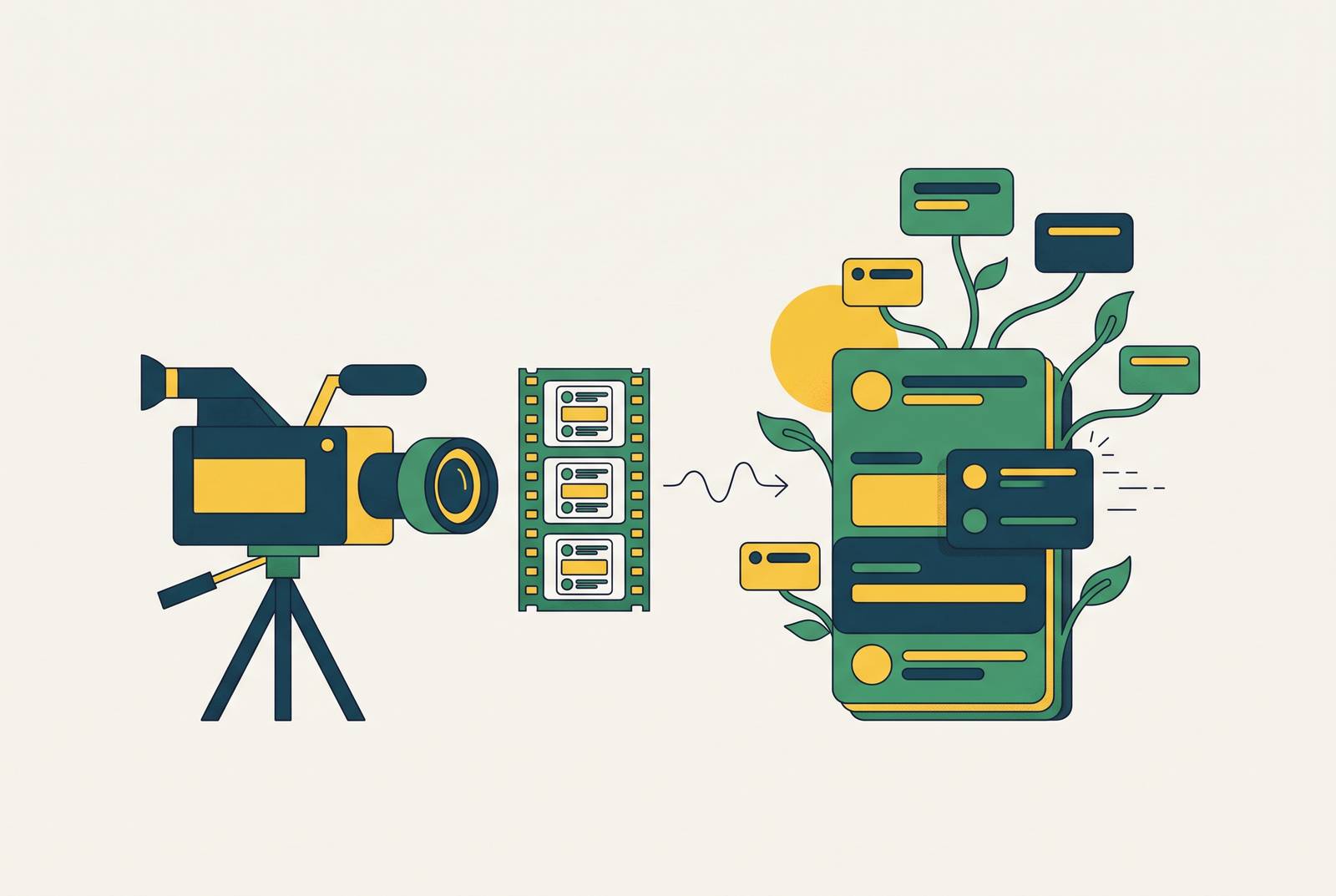
Keeping software training videos current during rapid releases starts with planning for ongoing maintenance. Build short videos around activation milestones, keep explanations of outcomes that stay the same separate from screen footage that may change, and use the release ticket to tell a named owner when to update them. This lets teams replace the parts that changed instead of reshooting a whole onboarding series when the interface changes.
Why onboarding videos go stale before they're even published
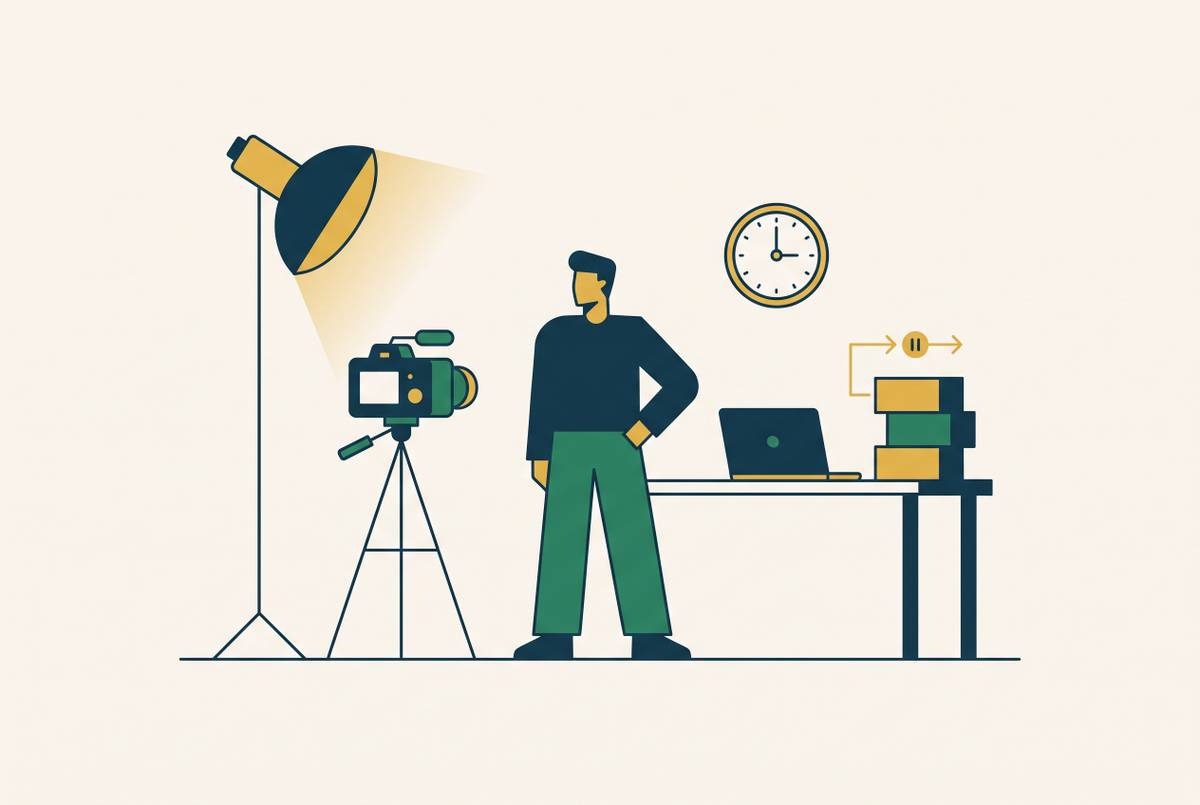
A producer ships a polished onboarding series, the product team renames a core feature two sprints later, and no one updates the video. The production job is finished. The product, however, has moved on, and the new user must work out why the instructions no longer match the screen. Nothing about the original recording has become less polished, but its guidance has become less reliable.
That gap starts before publication. Traditional onboarding video production takes weeks, while SaaS products keep gaining features, changing menus, redesigning workflows, and adding integrations. A video finished this sprint can already be diverging from the product by the time the next sprint closes. Treating publication as the finish line builds that mismatch into the plan.
Vidico's 2026 onboarding guide establishes that new SaaS customers who do not reach their first success within the first week are far more likely to churn. An outdated video can obstruct that success. Its reach also magnifies the problem, because a wrong button label or deprecated workflow generates support load in proportion to the audience encountering it.
What producers actually plan for — and what they're missing
Most producers plan a comprehensive run around the product as it exists today. They budget for creating a fixed library, but not for maintaining it, and leave review triggers and ownership unresolved beyond a vague return next quarter. This model can be flawed even when the work is careful. It applies the logic of publishing a book to something that keeps changing after the final edit.
Scripts describe the current interface, voiceovers are captured in one session, and finished videos are handed over as completed assets. Each choice makes sense when the work ends after a single production cycle. Together, though, they leave the next change outside the job that anyone agreed to do.
Breadth then becomes a substitute for a plan. A feature-catalog library looks complete because it covers everything, but it gives the team more to keep up to date and may do little to help users reach their first success. The missing planning document is a maintenance model that identifies who owns each video, what event prompts a review, and how quickly an update can be made. Those answers belong in the original scope, because the proposed library needs clear ownership, review triggers, and feasible update times to remain practical to keep.
How the wrong scope makes the maintenance problem worse
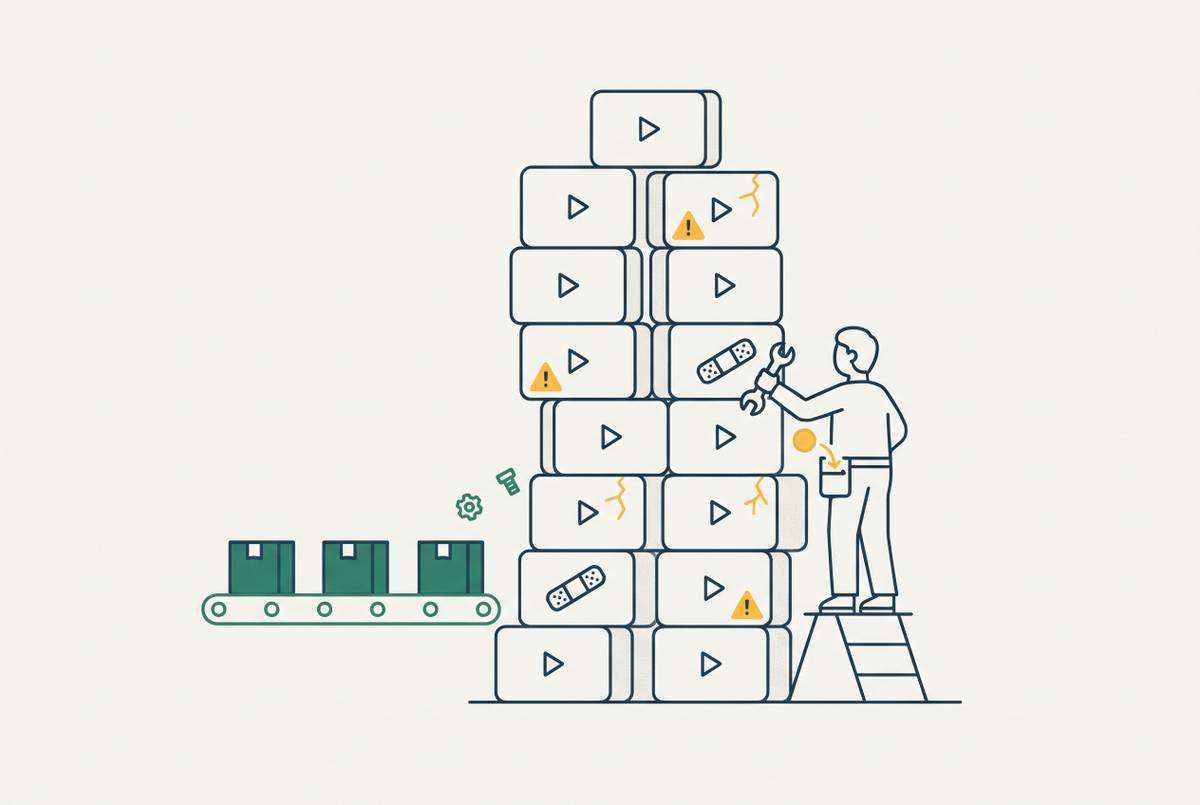
A long onboarding recording puts guidance on unrelated tasks into one video. If it covers setup, core features, and advanced workflows, a change anywhere along that route can make part of the whole recording inaccurate. Scope determines how far each change spreads. It is therefore a maintenance decision as well as a choice about the viewing experience.
When a settings page gets renamed, a 15-minute comprehensive walkthrough requires re-recording or re-editing the larger asset, while a two-minute video devoted to that page limits the work to that file. The shorter recording still needs attention.
Vidico's guide describes feature walkthroughs of two to five minutes each, with one video per core feature. That structure limits the area exposed to any one change, though it does not specify a problem-solution-result arc. Long videos also risk losing their audience before the guidance is complete, so shorter scope serves both maintenance and viewing.
The same source's app onboarding examples describe Worksuite's focus on first actions. Its reusable template system allows visual elements to change with the interface without starting production from scratch. That example connects two planning choices that are often separated, namely keeping the subject narrow and making the presentation reusable.
The activation journey as the right planning framework
Organize the library around activation milestones. A milestone is a specific action connected to long-term retention. The route through the interface may change while the useful result remains the same.
Planning starts with the minimum steps a new user must complete to get real value. Those steps should then be cross-referenced with the most repeated support tickets. The overlap shows which videos to make first, because it pinpoints steps users need to take but keep getting stuck on. This is a narrower brief than documenting everything the product can do.
Feature boundaries can still help set what goes into each recording. They should not, however, decide which recordings deserve to exist or which ones come first. A short feature walkthrough is useful when it serves an activation milestone.
When a feature changes, producers can trace which milestones depend on it and review the videos serving those milestones. They do not need to treat every release as a reason to audit the entire catalog.
Why each video needs an outcome frame, not an interface tour
At the individual-video level, the useful starting point is what the user will accomplish. “By the end of this video, you'll have your account connected to Slack” establishes a purpose that “now click Settings” does not. The first describes a result. The second describes a route that can become inaccurate as soon as the interface changes.
Outcome framing separates the explanation of why the task is useful from the mechanics of completing it, so a changed route need not invalidate the entire script. An outcome-framed video can often survive with only its screen capture re-recorded. When every line narrates a button or menu, updating the interface can require rewriting the script from scratch.
That distinction also gives viewers a reason to finish. Users who understand immediately what a video will deliver are more likely to watch through to the end, where the guidance can help them complete the task. An interface tour asks them to infer the payoff. A clear outcome states it before asking for their attention.
Vidico's app onboarding examples show this in Duolingo's learn-by-doing flow, Slack's progressive disclosure model, and Notion's template-first approach. Each starts with what users get from the app. These examples support the framing principle even as interfaces continue changing.
How to keep onboarding videos current when the product ships every two weeks
Video production needs to sit inside the release process. Otherwise, even a well-structured library waits for a second round of scheduling and production after the product has changed. The delay is built into the workflow. Shortening that delay requires treating the relevant video as part of the feature ship.
Production speed makes this cadence practical or impractical. When each video takes days, an update becomes an event that competes for scripting, recording, and production time. When the work takes minutes, a team member can complete it as routine release work. AI-assisted production can enable that shift toward faster revision.
A changed screen can prompt an update limited to the affected segment or focused video. Publishing the revision on the day the feature ships aligns the guidance with the release. It also avoids asking new users to navigate a known gap while the content team catches up.
The release ticket should trigger that work. A quarterly audit may discover an obsolete workflow, but only after users have had time to encounter it. Tying review to the release gives the team a chance to catch the mismatch sooner. The production plan therefore needs room for updates as part of shipping.
What ownership and governance actually look like for a living video library
A library can still go stale when everyone has access to efficient tools but no one is responsible for using them. Every asset needs a named owner. That person also needs an explicit event that tells them when to review it.
If a product manager owns a feature, that PM or their counterpart in customer education should own the video documenting it. This connects responsibility for the guidance to responsibility for the underlying experience. It avoids leaving the asset with the original producer simply because that person made the recording.
A UI change, a renamed feature, a deprecated workflow, or a spike in tickets about a particular step gives the owner a concrete reason to inspect the relevant guidance. A calendar reminder cannot identify what broke. Event-driven review directs attention to the part of the library most likely to need work.
A companion help article adds another way to spot discrepancies. Generated from the same recording, the step-by-step article gives users a format they can scan for a specific action. Readers looking closely at that step may notice a mismatch sooner than viewers watching passively. The article is therefore not just another output from production, but another place where stale instructions can become visible to the owner.
Measuring whether the library is working — and catching changes before users do
View counts show whether users found a video. For a living library, measurement also needs to reveal when previously useful guidance has stopped working. Reach alone cannot diagnose that failure. The most useful signals connect viewing to activation, repeated difficulty, or the exact point where users abandon the instructions.
Activation rate and support ticket volume are the best places to start. If activation falls or tickets about a specific step spike, the video covering that step is the first place to look. Neither signal proves that the video is out of date.
Drop-off data can show more closely where to look. When viewers consistently stop at the same timestamp, the action shown there may no longer match the current interface. That gives the owner a particular screen or instruction to examine. Used this way, player data is a maintenance signal rather than just a score for how engaging the video seems.
The diagnosis must still distinguish stale guidance from misplaced coverage. A video about a step users never reach may show that the library gives the wrong steps priority, while a video showing a step that is out of date needs an update. Re-recording cannot fix the first problem, and rearranging the library cannot fix the second. The practical test is whether the team can identify which failure it faces and make the right change before more users hit it.